
Gologin vs. YunLark – Which Anti-Detect Browser Is Better?
Imagine being able to browse the Web under the shroud of multiple profiles – without worrying about tracking, bans, or raising security flags. Well, that’s precisely what anti-detect browsers offer and what Gologin and YunLark bring to the table.
However, while both promise high-end privacy and robust anti-detection features, only one option truly deserves your trust.
In this head-to-head Gologin vs. YunLark comparison, we won’t just list their features. We’ll uncover their strengths and weaknesses in real-world use. So, whether you’re an affiliate marketer, a social media manager, or someone who wishes to fight back against digital tracking, you’ll have all the information you need to make the right choice.
A note on naming: YunLark shouldn’t be confused with Yunlogin, a separate and much newer Chinese anti-detect browser with a similar name. They’re different products from different developers, and reviews of one don’t apply to the other. If you’re researching either, check the exact spelling and the developer behind it before signing up.
It’s also worth mentioning that YunLark appears to have grown out of a proxy service provider, which is common among Chinese anti-detect tools. Despite that lineage, the browser itself doesn’t bundle proxy access you’ll still need to bring your own provider, and there’s no automatic rotation between sessions.
Gologin vs. YunLark – In-Depth Comparison
We’ll start by comparing each browser’s supported devices and sign-up procedures. Then, we’ll continue by exploring their ease of use, prominent features, and Gologin’s and YunLark’s pros and cons. Let’s dive right in!
Supported Platforms & Devices
Gologin is a cross-platform anti-detect browser that works on desktop and mobile devices. More precisely, it offers native Windows, macOS, and Linux software and features very liberal requirements.
In other words, it runs fine on older versions of those operating systems. However, having a more capable device would help Gologin run more profiles simultaneously.
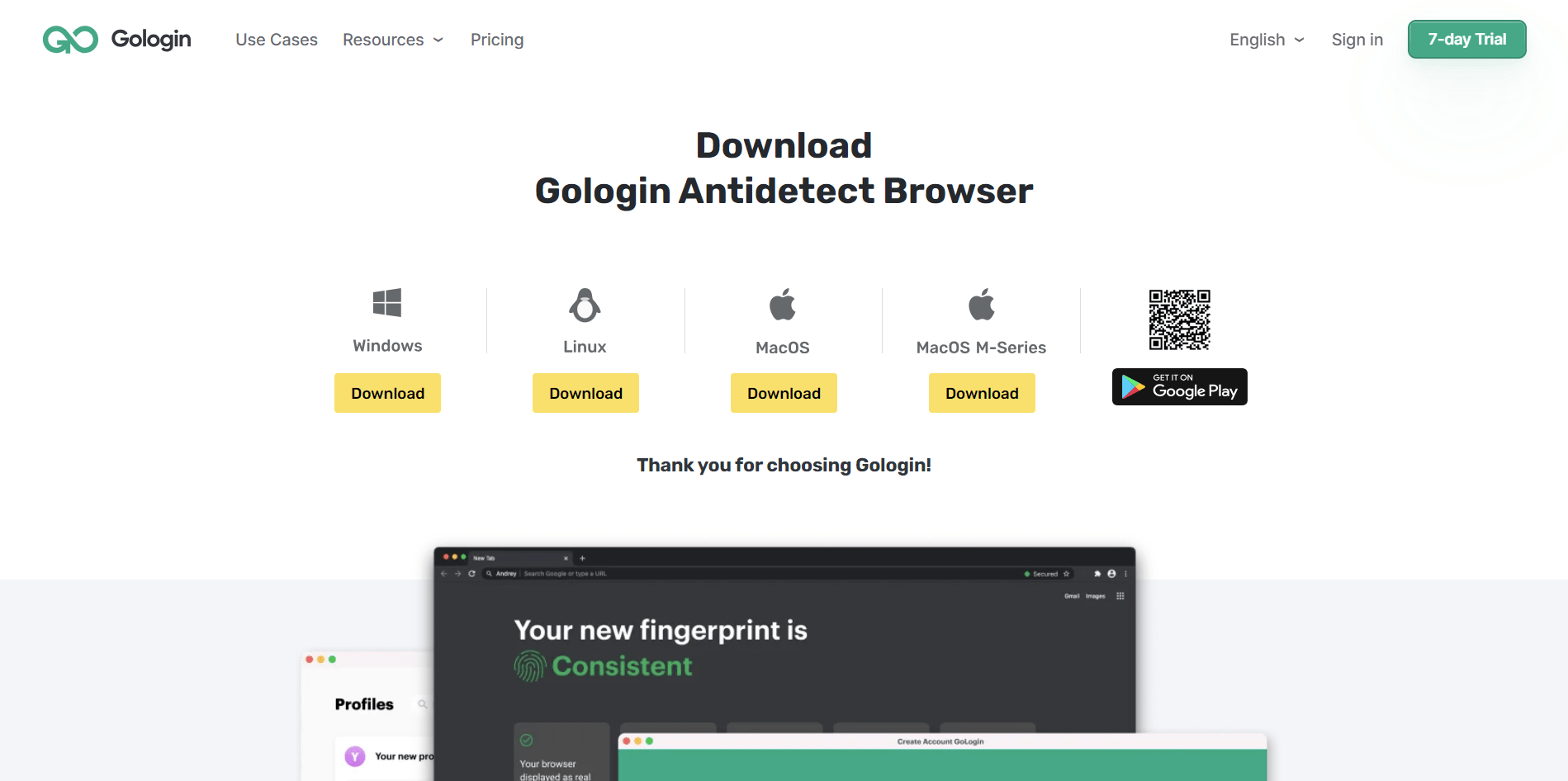
It’s also important to mention that Gologin works on Android as well. It’s one of the rare anti-detect browsers to offer a fully featured mobile app. That means you can expect to create and run unique profiles, utilize free proxies, and more.
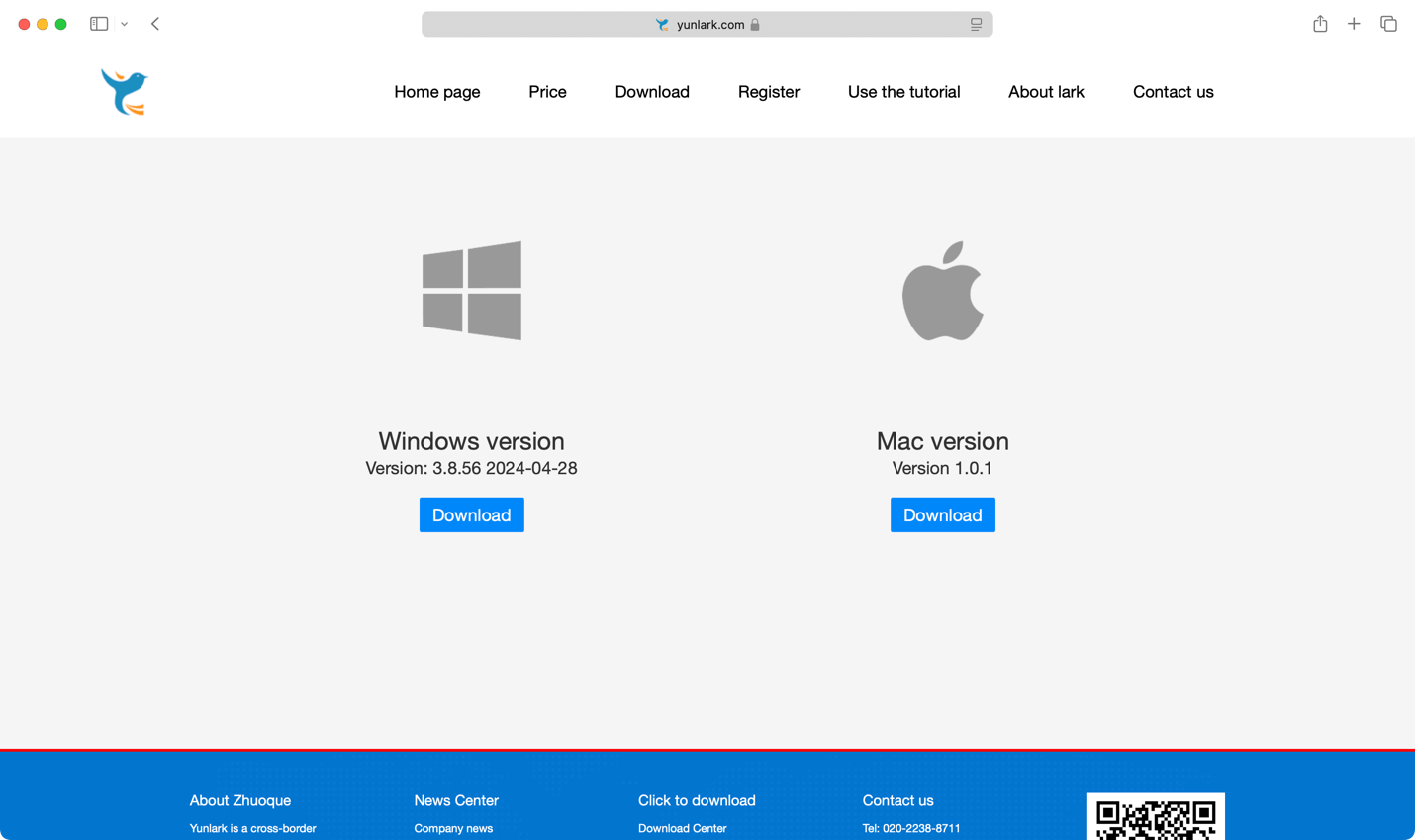
YunLark works on Windows and macOS, which means there’s no Linux support. Also, it doesn’t have a mobile app. While checking its release notes, we noticed that the Windows app receives new updates infrequently, while the macOS app is heavily outdated.
That’s not the case with Gologin, which receives updates every couple of weeks.
Registration and Initial Setup
There are multiple ways to become a Gologin user. You can sign up on its website or create an account once you download its app.
That means you can choose between getting a 7-day trial (no payment information needed) or paying for a subscription right from the start. Signing up and installing its software takes only a couple of minutes.
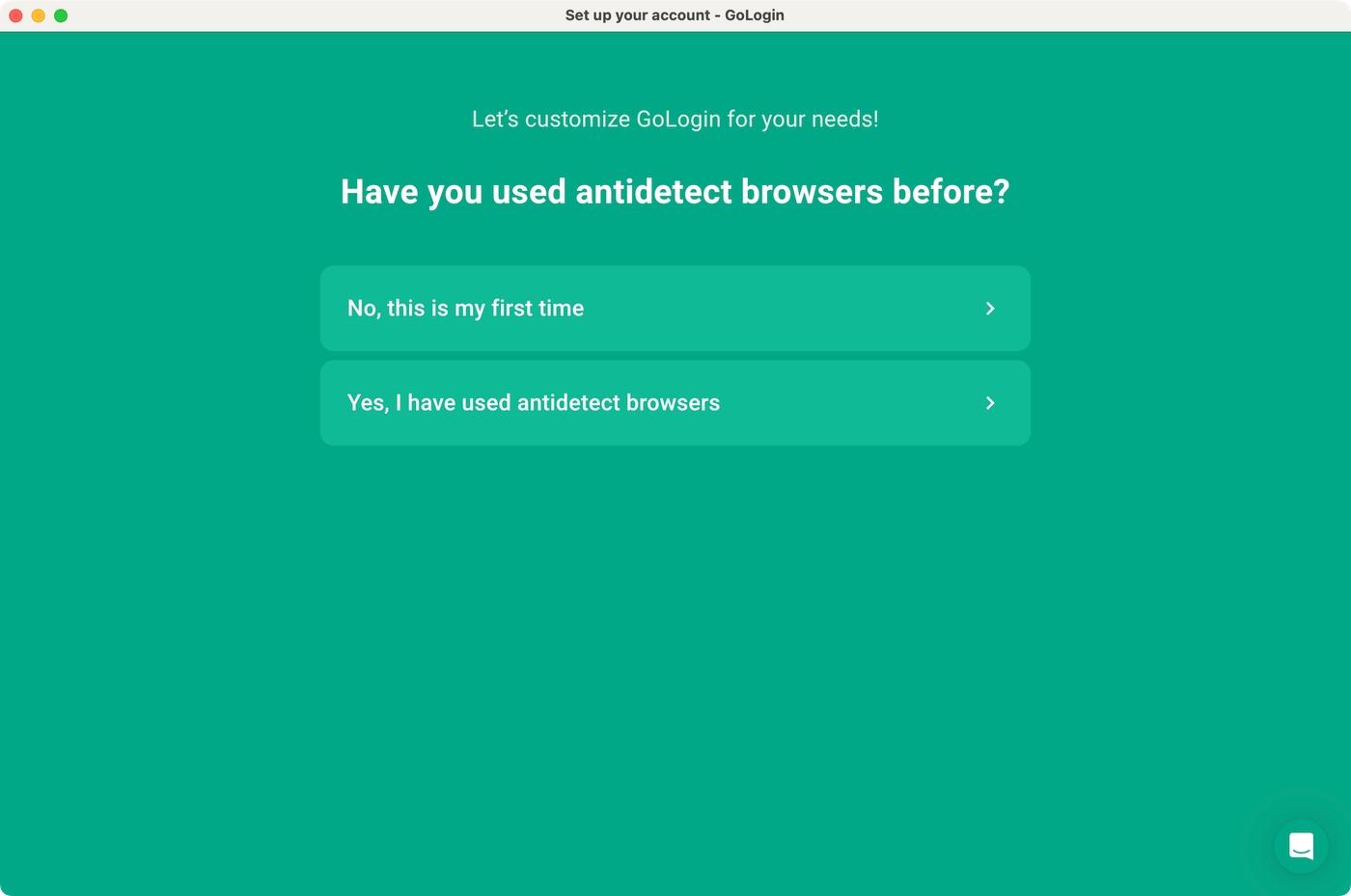
A unique feature of Gologin is its onboarding procedure. The first time you run this anti-detect browser, you will be asked a few questions.
Based on your experience using anti-detect browsers and possible use cases, Gologin will offer a set of preloaded profiles, allowing you to test-drive its capabilities without any fine-tuning.

Signing up for YunLark is also a quick procedure. However, the biggest issue is that its site is in Chinese. Of course, you can use your browser’s translate option, allowing you to sign up without problems. You must provide your email address, create a password, and verify your account. Then, you can download and log in to YunLark.
Setting Up Custom Profiles
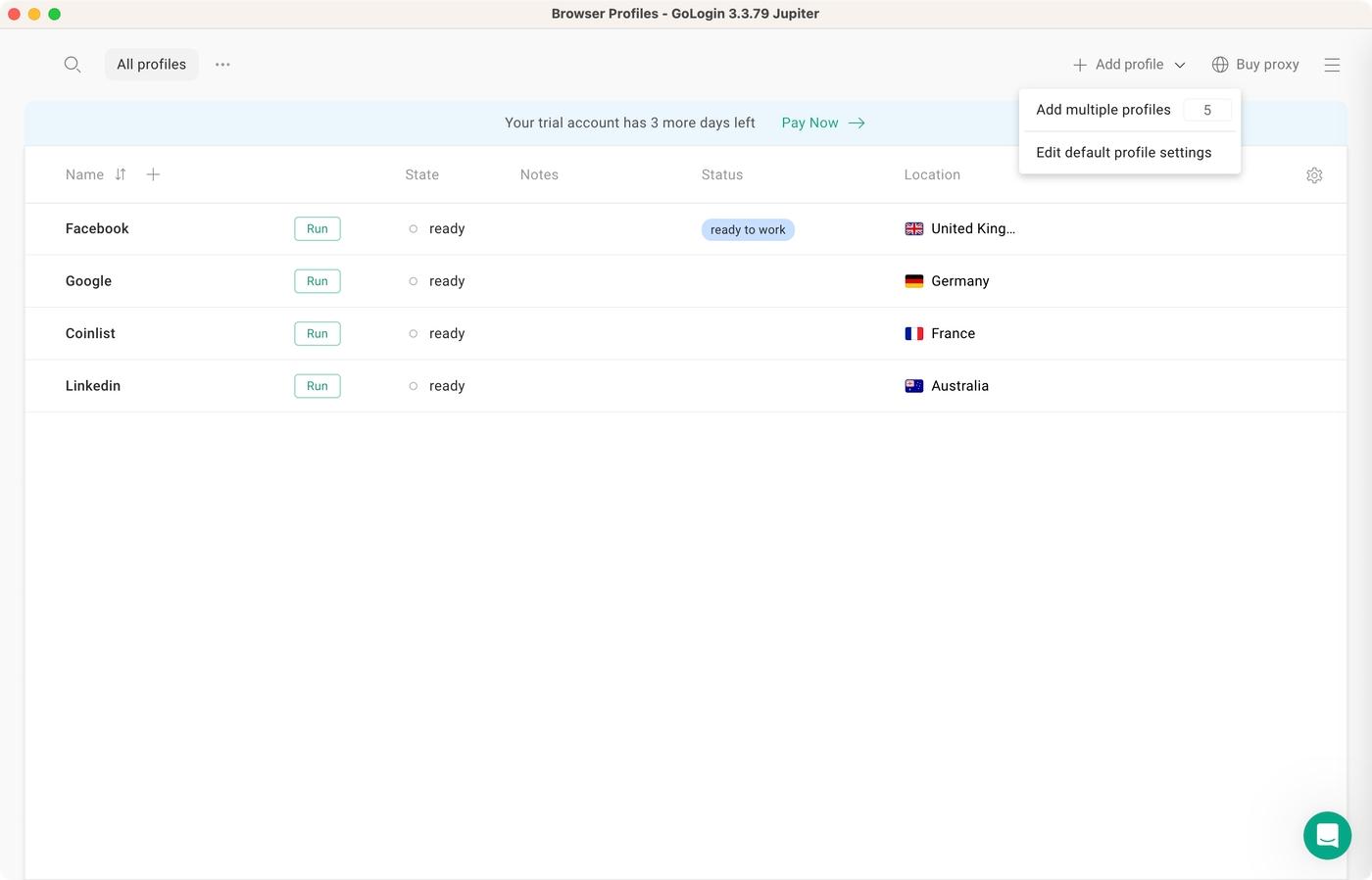
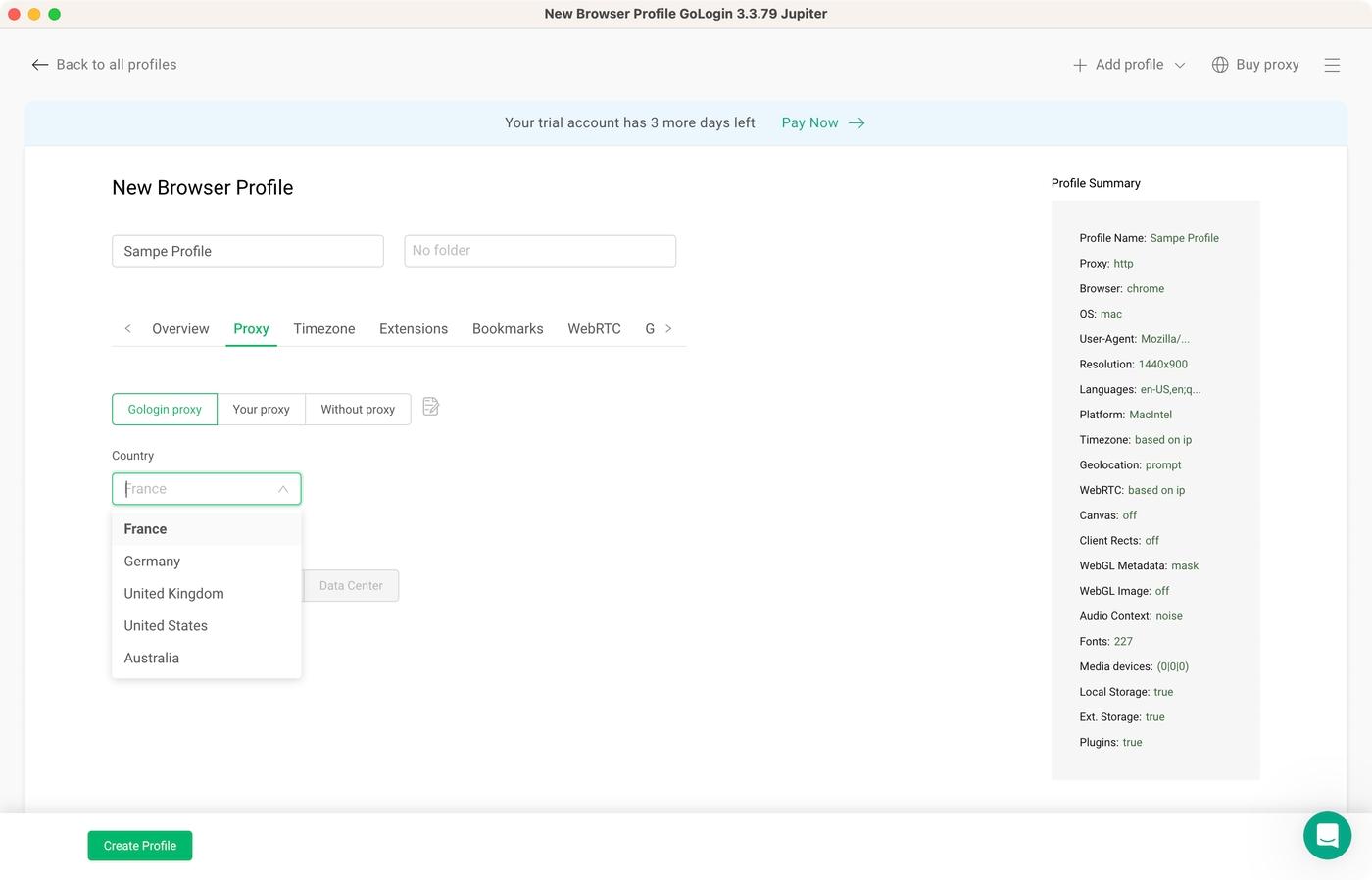
Gologin is among the most user-friendly anti-detect browsers, featuring a modern-looking interface with clearly labeled buttons and functions. To add a new profile, use the “+” sign on the left and pick a country.
Gologin will auto-generate unique fingerprint parameters. You can also use the “Add Profile” item on the right to add profiles in bulk. And, of course, you’re always free to fine-tune fingerprint parameters.
You’ll be happy to know that Gologin allows you to customize 50+ fingerprints, which means you can create many unique profiles. For example, you can pick an operating system, custom resolution, fonts, various hardware emulation options, and fine-tune Canvas, WebRTC, and WebGL metadata.
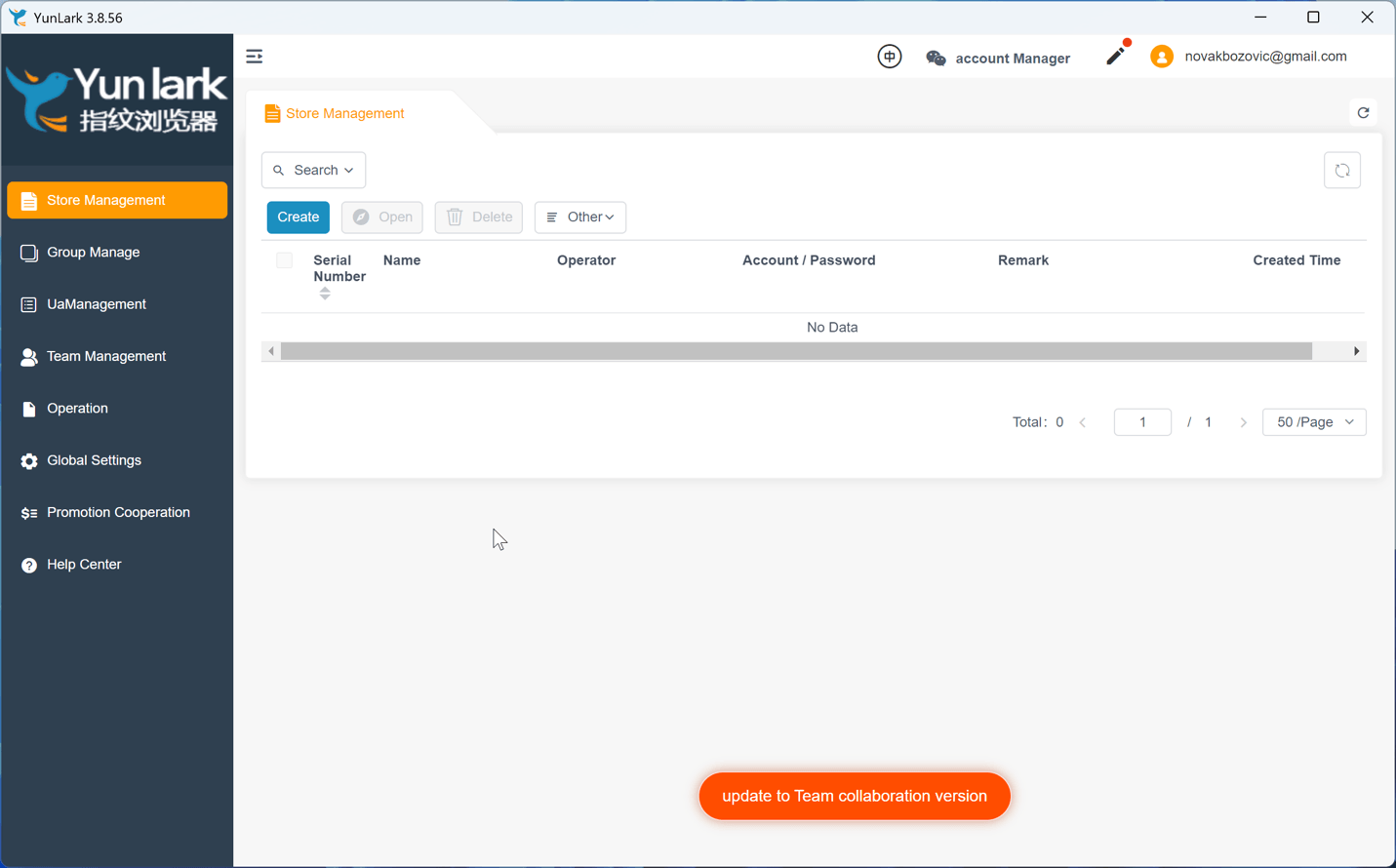
To start adding a new profile to YunLark, you need to click the “Create” button. A new screen will open, asking you to input a platform (PayPal, Amazon, eBay, Facebook, etc.).
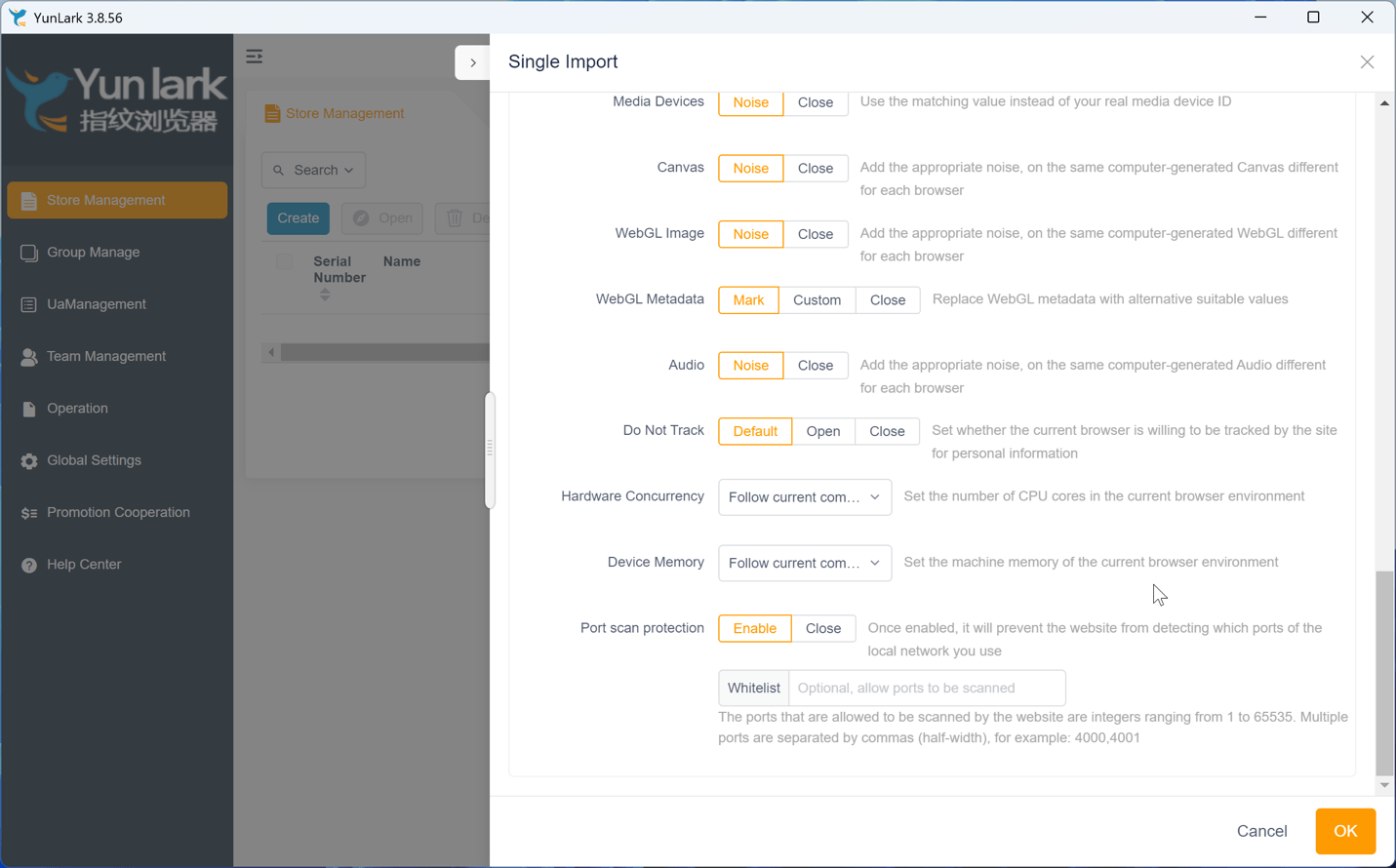
You’re also free to add a custom domain. Then, you can fine-tune a sizable list of parameters, including custom geolocation, hardware specs, and more.
Overall, both Gologin and YunLark can create very specific profiles based on your preferred use cases. They also allow you to set up a proxy or go without one. That said, Gologin also offers its own proxies, which adds to the browser’s overall convenience.
Prominent Features
In this section of our Gologin vs. YunLark comparison, we’ll review critical features, helping you realize what’s in common and different between these two anti-detect browsers.
- Multi-Account Management: Gologin offers profile isolation, eliminating the chances of a data leak and providing robust anti-tracking features. Each profile can also have its own cookies, storage, and proxy settings. YunLark’s profiles are less isolated overall.
- Fingerprint Protection: Built upon its custom Chromium-based browser called Orbita, Gologin features automatic fingerprint configuration, ensuring that each session is unique. YunLark is also based on Chromium but its users are required to adjust settings manually.
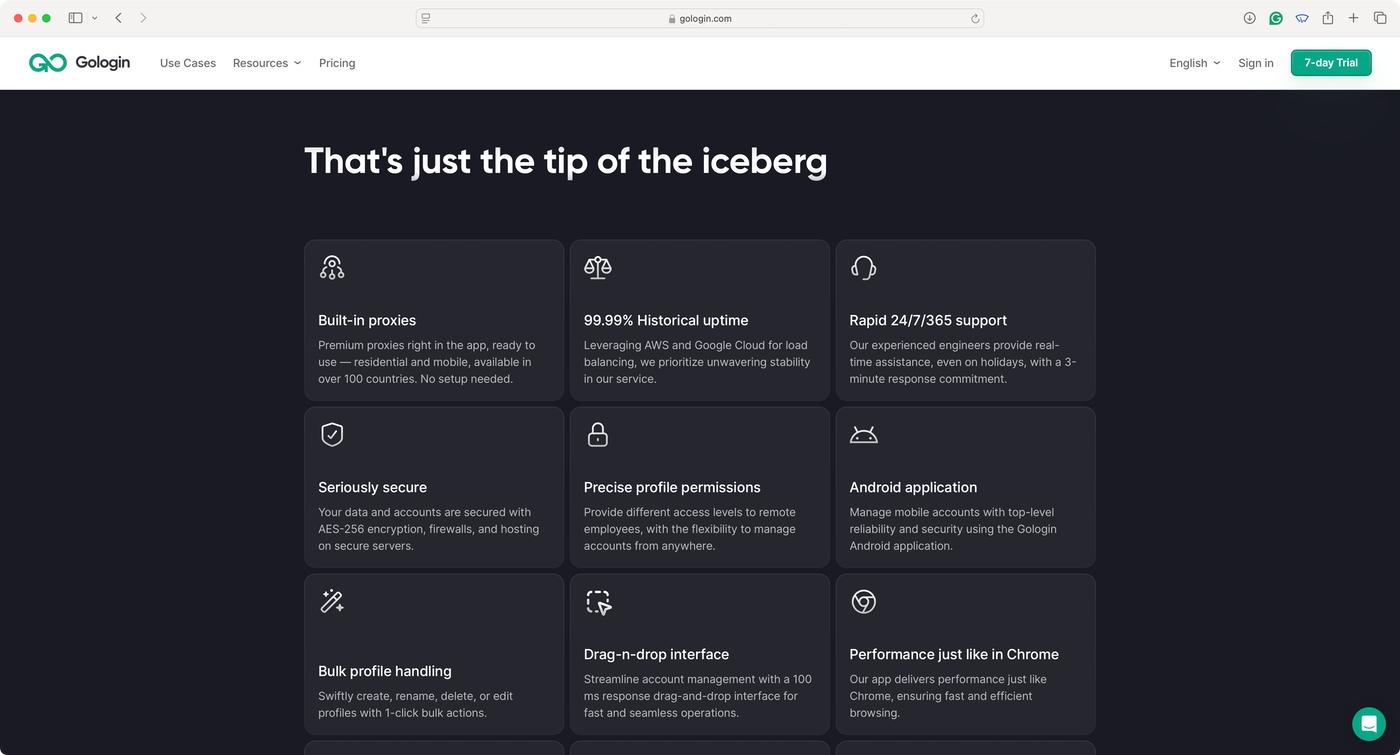
- Proxy Support: In addition to offering its own proxies, Gologin allows you to use any proxy provider. It also has automatic proxy rotation so each profile can have a unique IP for every session. YunLark doesn’t have its own proxies but allows easy integration with major proxy providers. It lacks automatic proxy rotation, though.
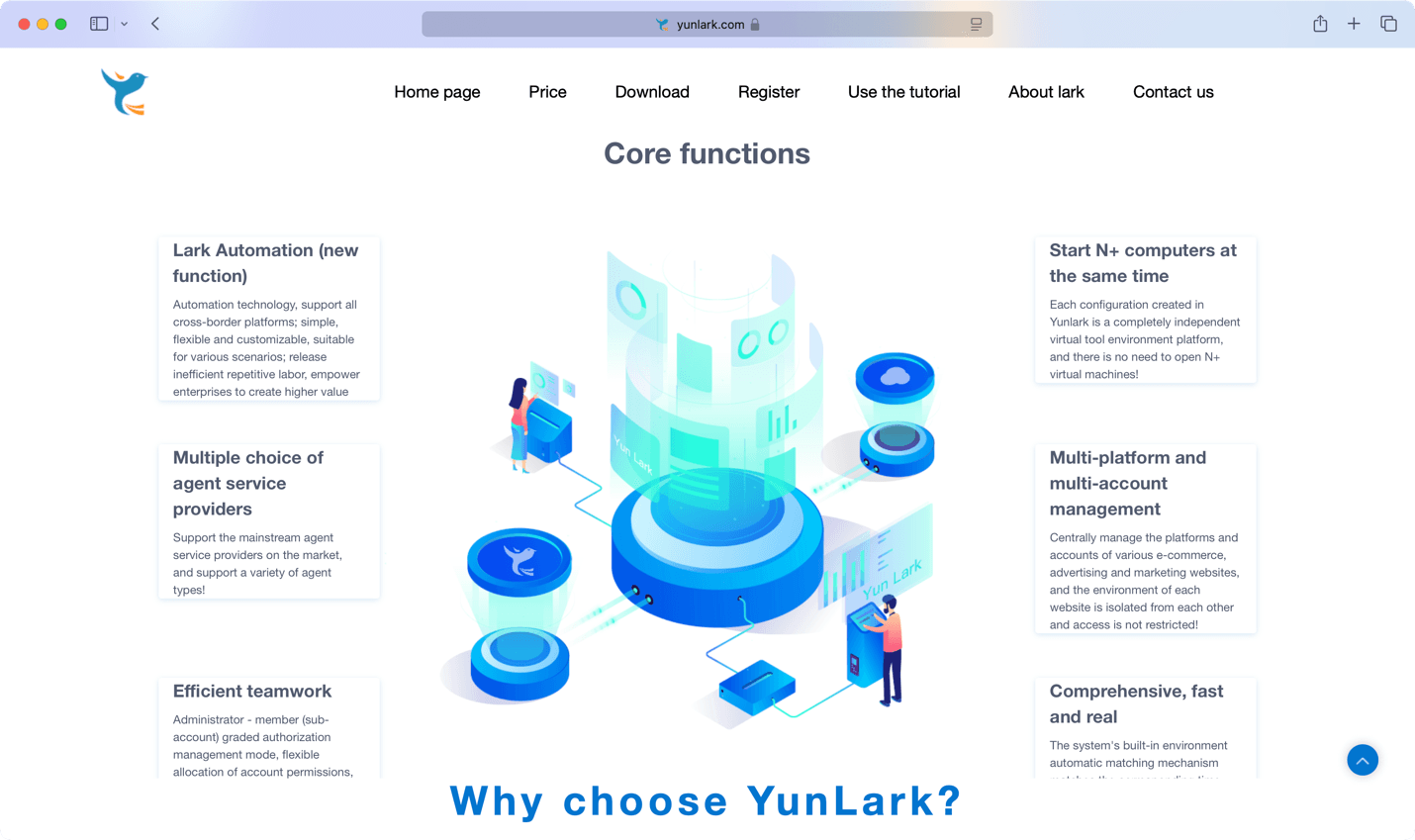
- Automation: Even though Gologin doesn’t support no-code automation, it offers API access for developers to create custom scripts. It’s also fully compatible with tools like Puppeteer, Selenium, and Playwright. YunLark doesn’t provide API access, and its support for automation tools is unofficial (possible but not supported).
- Team Collaboration: This is one of the aspects of Gologin where this option truly excels. Gologin allows multi-user management, role-based access, and easy profile sharing. It’s also cloud-based, so everything is in sync all the time. YunLark doesn’t offer cloud syncing and provides limited collaboration features.

Pros/Cons & Trustworthiness
So far, we’ve spent plenty of time comparing Gologin and YunLark. However, you should also be aware that each of these browsers has its pros and cons. We’ll check that in this segment while also providing a report on their trustworthiness. Let’s start with Gologin.
|
Gologin |
|
|
Pros |
Cons |
| Quick and Effortless Setup: You can get started with Gologin in under a couple of minutes. Preloaded profiles are included. | No iOS Support: There’s no iOS app, but that’s not a major downside considering the limitations of that OS. |
| Cross-Platform Support: Gologin works on Windows, macOS, and Linux. It also offers a powerful Android app. | Need for Higher-Tier Plans: If you need a large number of profiles, you’re forced to turn to higher-tier plans. |
| Built-In Proxy Support: You can utilize built-in proxies for an additional layer of security while using individual profiles. | Cloud-First Solution: Some users might prioritize a local-based solution due to potential security issues. |
| Advanced Automation: Using third-party tools, you can fine-tune and automate many of Gologin’s functions. | |
| Team Collaboration: Gologin is highly suitable for large teams and makes collaboration effortless. | |
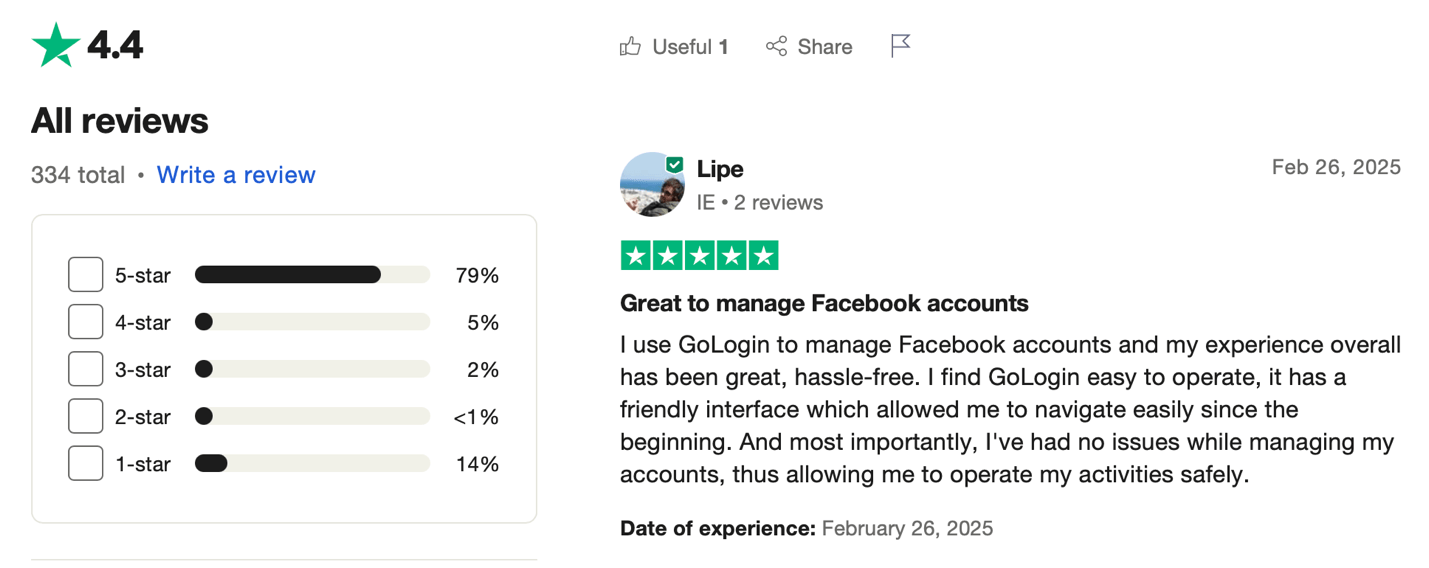
On Trustpilot, Gologin has a score of 4.4/5.0 based on 330 reviews. On G2, it scores 4.8/5.0. That said, it’s obvious that Gologin is a trustworthy solution because it offers everything mentioned in its marketing messages.
Now, let’s check out the pros and cons of YunLark.
| YunLark | YunLark |
|---|---|
| Pros | Cons |
| Fingerprint Customization: YunLark has in-depth customization, allowing you to create many unique profiles. | No Mobile Apps: YunLark doesn’t work on mobile devices, as it doesn’t offer Android or iOS apps. |
| Bundled Team Seats at a Low Price: Even the $8 Beginner plan includes 3 user seats — something Gologin’s entry tier doesn’t offer at any price. | No Free Trial: Contrary to what its cheap entry price might suggest, YunLark offers no trial period, so there’s no way to test it before paying. |
| Profile-Based Proxy: You’re free to assign a custom proxy for each profile, and you can use third-party providers. | No AI-Powered Fingerprints: There’s no AI-assisted technology, so you’ll need to adjust settings manually. |
| Some Automation Support: It’s possible to create basic scripting tasks, though Puppeteer and Selenium aren’t officially supported. | No Proxy Rotation: This feature would help YunLark switch proxies automatically before starting each new session. |
| Desktop OS Support: YunLark supports Windows and macOS. | Very Low Profile Ceilings: The top plan caps at 66 profiles — fewer than a third of what Gologin’s cheapest paid tier provides. |
| Multi-Account Management: It’s possible to create and run profiles associated with any domain. | Limited Team Collaboration: Some options exist, but they’re basic, with no cloud syncing. |
| Currency Volatility: Prices are set in Chinese Yuan and shift with exchange rates. | |
| Potential Security Concerns: YunLark comes from China and its cloud security measures are not transparent. | |
| Reported Performance Issues: Users cite occasional slowdowns during heavier usage. |
Surprisingly enough, YunLark has no user reviews on Trustpilot and G2, so there is no way to assess its credibility and trustworthiness. It is currently focused on China and does not care much about building its reputation outside the country.
Pricing and Plans
Gologin offers several subscription plans, where the main point of differentiation is the number of supported profiles. Its entry-level Professional plan costs $9.00/month, or $4.50/month billed annually and covers 100 unique profiles, 2 GB of resident proxy traffic, 2 GB of location data, the Android app, cloud-based browsing, 24/7 support, and REST API access at 300 RPM. Note that this tier includes no team member seats.

Scaling up, Business costs $119.00/month ($59.50 annually) for 300 profiles with team collaboration enabled, Enterprise costs $299.00/month ($149.50 annually) for a fixed 1,000 profiles, and Custom costs $449.00/month ($224.50 annually) for 2,000 profiles. Paying annually halves the price on every tier.
YunLark offers four subscription plans supporting 10, 30, 50, or 66 browser configuration environments, priced at roughly $8.00, $13.50, $19.00, and $28.00 monthly. The entry-level Beginner plan includes 3 user seats; the top Enterprise plan includes 6. Annual payment gets you a 20% discount.

As we noted previously, YunLark’s prices are denominated in Chinese Yuan and do drift — the top tier has already moved from $27.50 to around $28 since our last check, purely on exchange rates.
Here’s where the comparison has changed significantly. YunLark’s $8 entry plan used to undercut Gologin substantially. It no longer does in any meaningful sense: $8 buys 10 profiles on YunLark, while $9 buys 100 on Gologin. That’s roughly $0.80 per profile versus $0.09 — a ninefold difference for a dollar more per month. Even YunLark’s top $28 tier caps out at 66 profiles, fewer than a third of what Gologin’s $9 plan provides. Commit annually to Gologin and the per-profile cost drops to $0.045, around 18x cheaper than YunLark’s entry rate.
The one area where YunLark still competes is bundled team seats: 3 users on an $8 plan is something Gologin’s Professional tier doesn’t offer at all, since collaboration starts at the $119 Business plan. For a three-person team managing fewer than ten accounts and nothing more, that remains a legitimate niche.
Final Verdict
Before we give you our final verdict, let’s compare the two anti-detect browsers once again, going over their most prominent features, which will help summarize everything so far.
| Comparison Criterium | Gologin | YunLark |
|---|---|---|
| Reliability | ✅ | ✅ |
| Security | ✅ | ❌ |
| Features set | ✅ | ✅ |
| Comfort of use | ✅ | ✅ |
| Beginner-friendly | ✅ | ✅ |
| Support quality | ✅ | ❌ |
| Quick profile creation | ✅ | ❌ |
| Country of origin | 🇺🇸 | 🇨🇳 |
| Frequent updates | ✅ | ❌ |
| Free plan | ✅ (3 profiles, forever) | ❌ |
| Free trial of paid plans | ✅ (7 days, no card) | ❌ |
| Free in-app proxies | ✅ | ❌ |
| Automatic proxy rotation | ✅ | ❌ |
| Cost per profile (entry tier) | ✅ ($0.09, or $0.045 annually) | ❌ ($0.80) |
| Team seats on entry tier | ❌ (collaboration starts at Business) | ✅ (3 users on the $8 plan) |
| Max profiles available | ✅ (up to 2,000+) | ❌ (66) |
| Cloud sync | ✅ | ❌ |
| API access | ✅ (300–1,200 RPM) | ❌ |
| Desktop apps | ✅ | ✅ |
| Mobile apps | ✅ | ❌ |
| Verified reviews | ✅ (4.4/5 Trustpilot, 4.8/5 G2) | ❌ (none) |
| No-code automation | ❌ | ❌ |
Overall, YunLark’s main selling point used to be price and that argument has largely evaporated. At $8/month for 10 profiles against Gologin’s $9/month for 100, YunLark is now roughly nine times more expensive per profile, and its top plan tops out at 66 profiles where Gologin’s cheapest paid tier already offers 100. What you’re saving is a single dollar a month; what you’re giving up is cloud sync, API access, automatic proxy rotation, mobile access, and any way to test the product before paying, since YunLark has no trial.
Credit where it’s due: bundling three user seats into an $8 plan is genuinely competitive, and Gologin doesn’t match that at its entry tier. A small three-person team managing under ten accounts manually could reasonably land on YunLark and be fine.
Beyond that narrow case, the picture is unchanged from our original assessment. YunLark comes from China, employs non-transparent security measures, has no verified reviews on any major platform, updates infrequently (with a heavily outdated macOS build), and its site remains Chinese-only. Assessing its trustworthiness is close to impossible.
On the other hand, Gologin is a highly reputable anti-detect browser with robust privacy and security practices, backed by 330+ Trustpilot reviews at 4.4/5.0 and 4.8/5.0 on G2. It offers complete profile isolation, 50+ customizable fingerprint parameters, advanced automation, team collaboration, and a genuinely cheaper cost structure at almost every volume. It’s a user-centric solution suitable for any use case, making it the clear winner in this comparison and now on price as well as features.
Read other posts about Reviews of browsers:
- Kameleo browser review
- Best virtual browser
- Multilogin chrome browser
- Adspower browser vs gologin
- Morelogin browser alternative
- Incogniton vs gologin
- Best proxy browser
- Browserjet review
- Roxybrowser review
- Gologin vs hidemium
- Xlogin review
- Insomniac browser review
- Swspybrowser review
- Loginways review
- Nstbrowser review
- Hydraheaders browser review
- Gologin-vs-maskfog review
- Vision-browser review
- Ultimate orb review
- AntBrowser-browser-review
- Vmlogin browser review
- Gologin-vs-identory
- Gologin-vs-switch antidetect
- Antikbrowser review
- Camoufox review
- Geelark review
- Dicloak online browser
- Vmmask antidetect browser
- Hidemyacc browser review
- Rebrowser review
- Session-box-vs gologin
- Multibrowser-review
- Accovod-vs-gologin
- Xbrowser review
- Undetectable browser-vs-gologin
- Bitbrowser-review
- Fingerprintswitcher
- Aezakmi browser review
- Marketerbrowser review
- Genlogin browser review
- Linken-sphere review
- Indigo-browser
- Xpass browser alternative
- Wade browser review
- Surfinite review
- Lalicat-browser review
- Masq-antidetect review
- Octo-browser vs gologin
- Dolphin-anty vs gologin
- Mulogin review
- Aqum-browser review
- Lauth review
- Che browser vs gologin
- Logii review