
Gologin vs. Identory: Review & Comparison Update 2026
Managing multiple accounts across different platforms is increasingly difficult due to advanced tracking methods like browser fingerprinting. Traditional solutions like VPNs or clearing cookies are no longer enough to stay undetected. Anti-Detect Browsers are growing in demand among:
- E-commerce sellers running multiple storefronts on Amazon, eBay, or Etsy
- Affiliate marketers & advertisers managing multiple ad accounts on Facebook, Google, and TikTok
- Social media managers who need to handle multiple brand accounts across platforms
- Crypto traders & financial professionals using multiple exchange accounts
- Web scrapers & researchers who need to collect data without being blocked
Comparing Two Software Options: Gologin vs. Identory
In previous blog posts, we have compared Gologin to other anti-detect browsers. Let’s look at a lesser-known option: Identory. While Gologin and Identity share the same goal—helping users manage multiple accounts safely—they operate on different models and offer unique features.
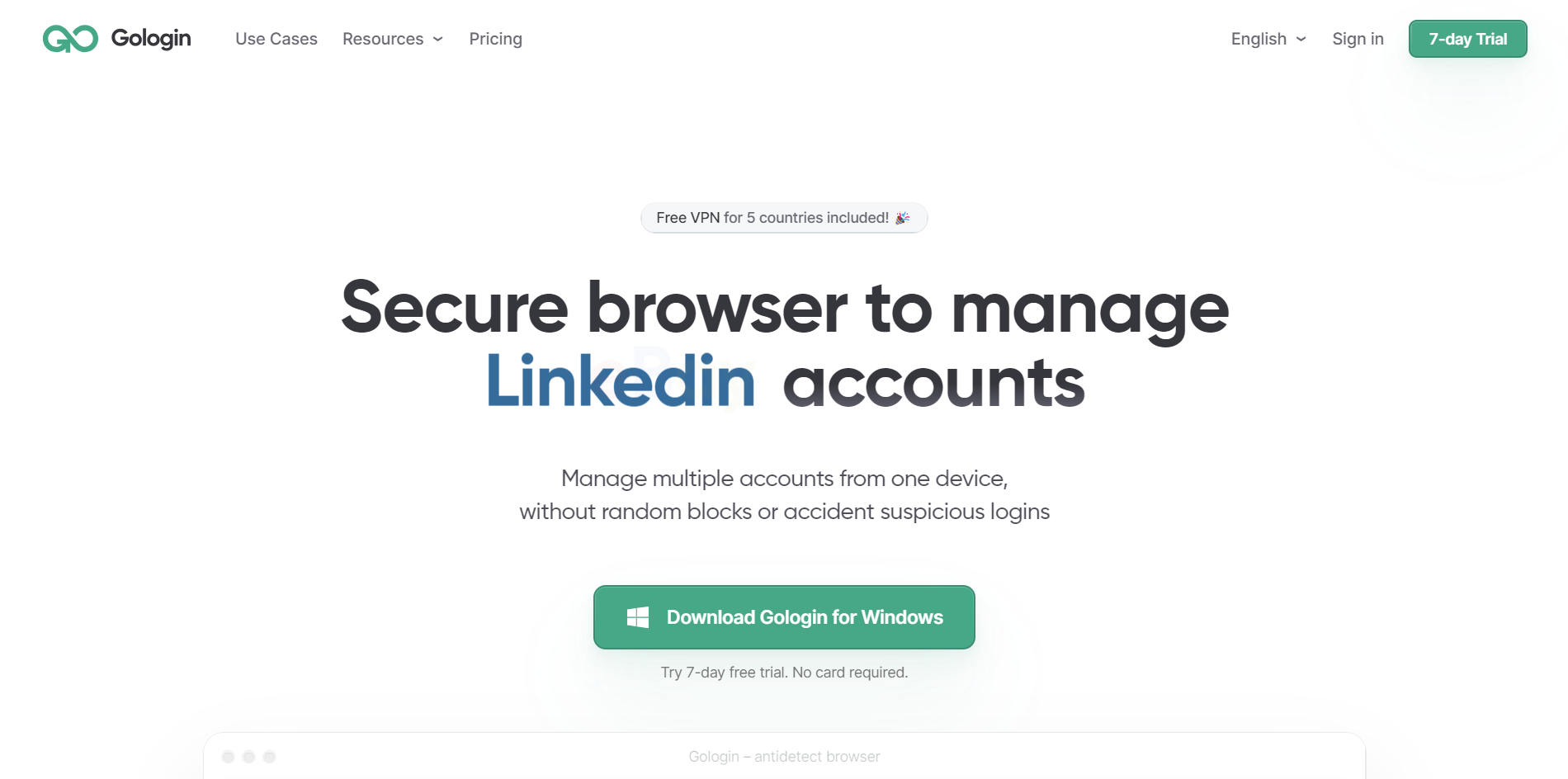
Gologin is a SaaS-based anti-detect browser running on redundant, secure cloud infrastructure and provides best practices through of automatic updates, fingerprint customization, and automation tools.
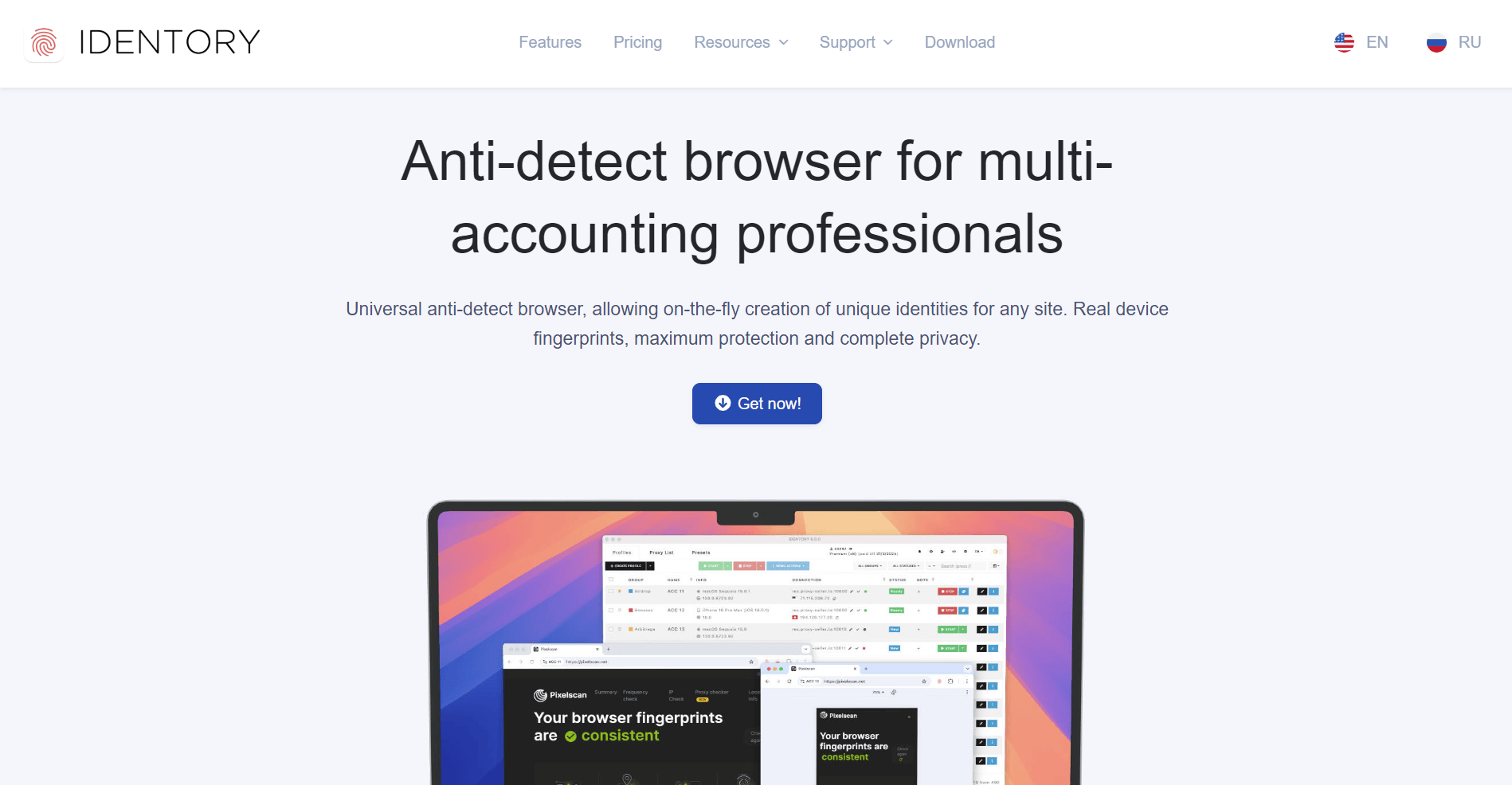
Identory browser is a locally installed software, meaning it runs directly on your computer without cloud integration. It’s a one-time purchase and operates entirely offline.
In this detailed comparison, we’ll explore which anti-detect browser is the best choice for your needs, covering fingerprinting, security, automation, pricing, and long-term usability.
101: What Is Browser Fingerprinting?
Browser fingerprinting is a powerful tracking method that collects device-specific information to identify users, even if they use a VPN or change their IP address.
How Browser Fingerprinting Works
Websites track users based on the following:
Operating system & device type (Windows, Mac, Linux)
- Browser type & version (Chrome, Firefox, Edge)
- Installed fonts, plugins, & extensions
- Screen resolution, GPU details, & WebRTC settings
- Time zone & language settings.
Because any of these factors create a unique digital fingerprint, platforms can easily block multiple accounts from the same device, even if the IP address changes.
Gologin Vs. Identory Feature Comparison
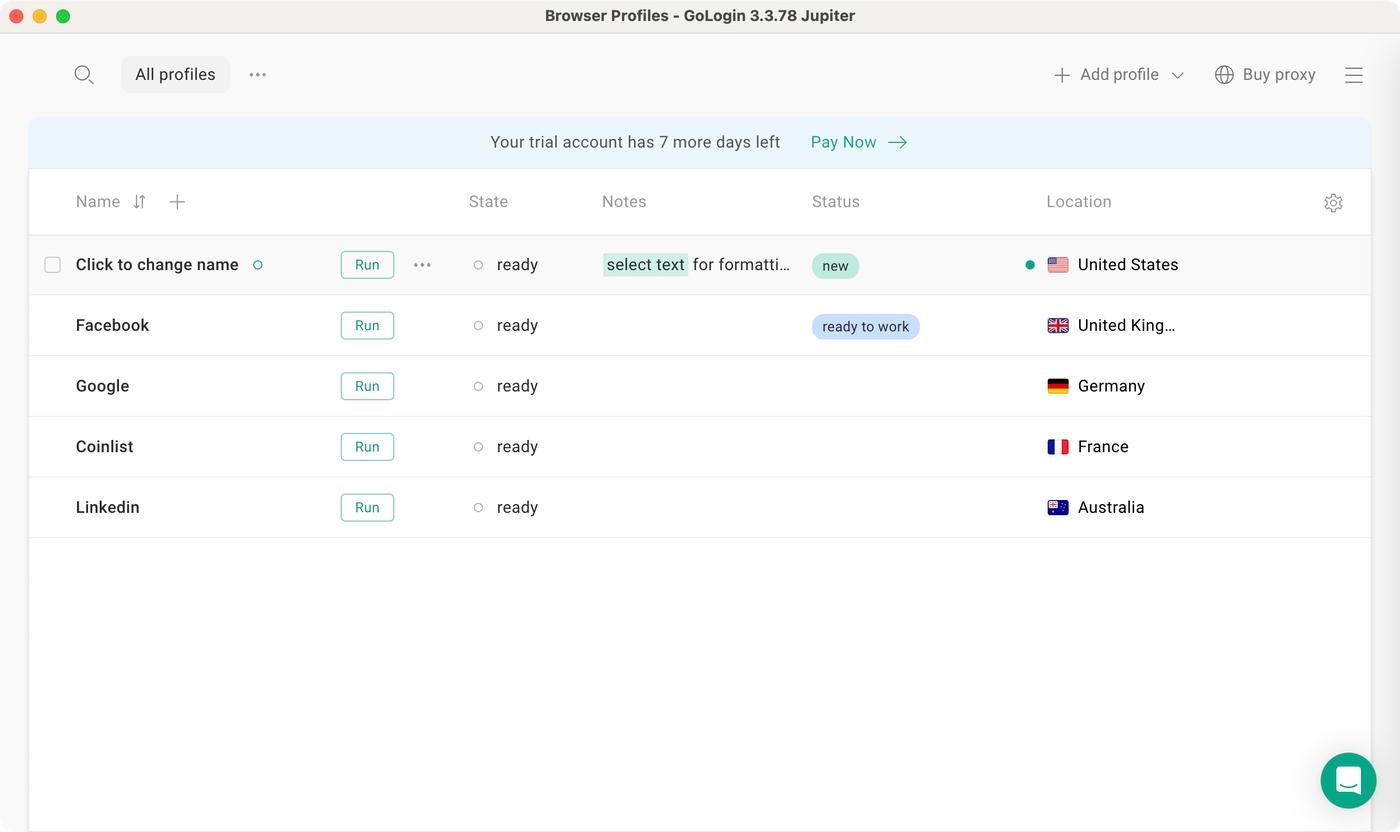
Gologin’s is packed with options – cloud syncing, automation tools, team sharing features, and detailed fingerprinting controls all front and center. Identory’s feature set is noticeably simpler. Gologin gives you more tools to work with while Identory keeps it basic.
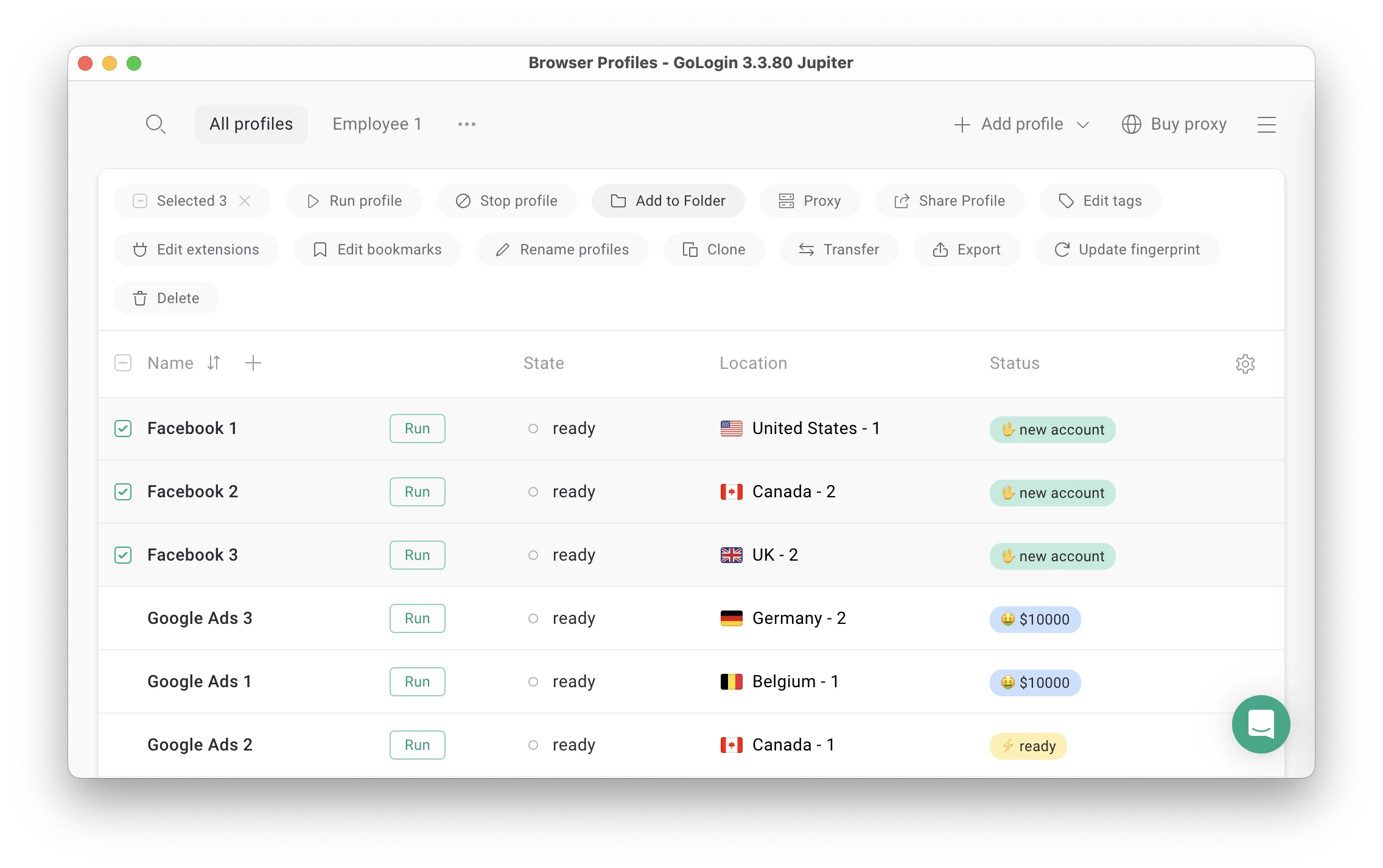 For example, Mass Actions panel has a lot of options, but it’s not cluttered or heavy to use.
As you can see, Gologin gives you significant advantages over Identory across several key areas. As a cloud-based platform, Gologin allows you to sync and access your profiles from any device, unlike Identory’s device-centric installation.
Gologin’s advanced fingerprinting customization provides better protection for your accounts, while its API support enables workflow automation that Identory can’t match.
If you work in a team environment, Gologin’s collaboration features are invaluable, eliminating the headaches of manual profile sharing. The platform’s automatic security updates ensure you’re always protected without the maintenance burden Identory requires.
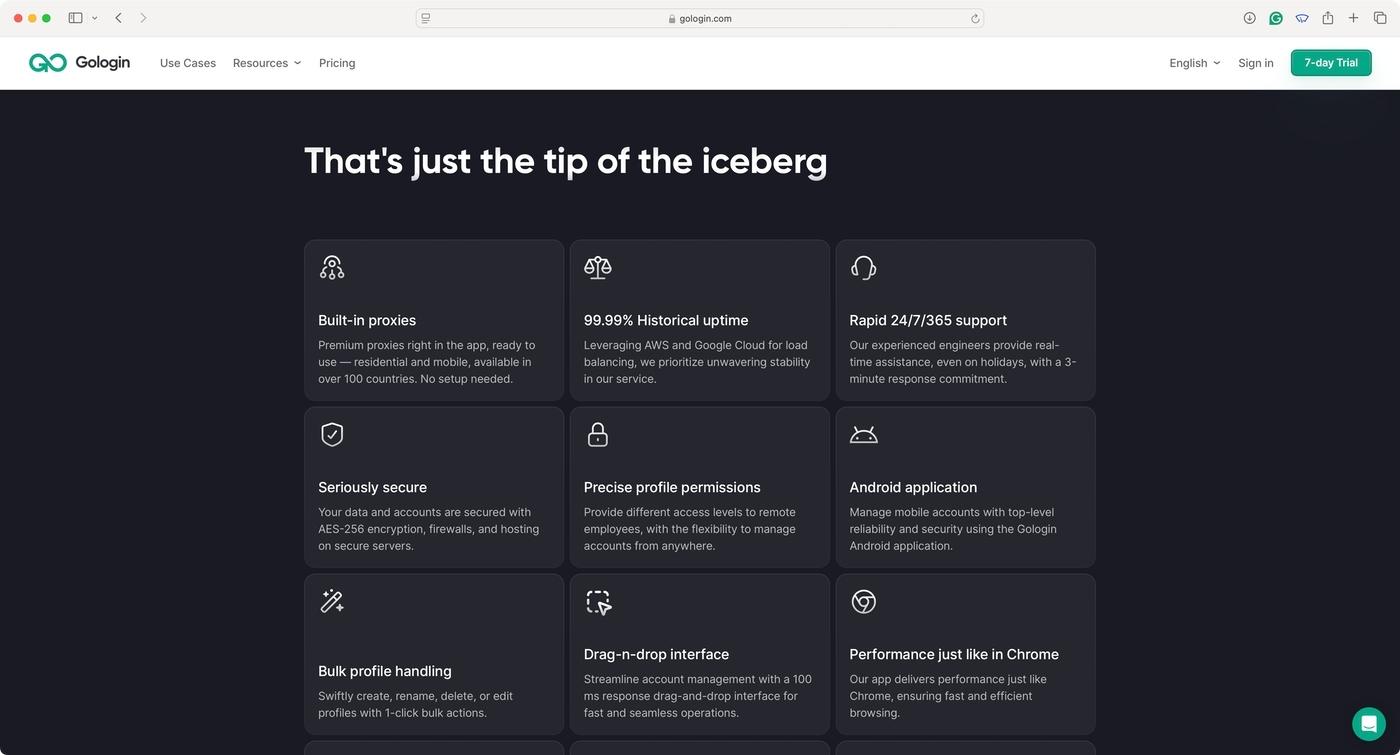
Gologin’s subscription model includes a risk-free 7-day trial, allowing users to experience its superior functionality before committing—confidence in product quality that Identory’s one-time purchase model notably lacks.
For professionals seeking a future-proof, feature-rich browser fingerprinting solution, Gologin appears to deliver enterprise-grade capabilities that Identory, as of this writing, does not match.
Gologin’s SaaS Model vs. Identory’s Local Software Approach
One of the biggest differences between these browsers is how they deliver their solution.
Gologin (SaaS-Based)
- Runs on cloud infrastructure – Profiles are stored remotely and can be accessed from any device.
- Instant security updates – If a website updates its tracking methods, Gologin automatically adapts.
- No manual installation required – Users always get the latest version.
Identory (Local Software)
- No cloud syncing – All profiles are stored locally on the user’s device.
- Manual updates required – If a website upgrades its fingerprint detection, users must wait for an update and install it manually.
- If an update is delayed, users risk detection and potential account bans.
Speed: A Minor Trade-Off
While most organizations have access to fast internet, individual users in underserved markets may be looking for the fastest option. If that’s the case, consider:
Identory is faster because it runs locally, meaning:
- No cloud sync delays.
- Lighter software footprint.
- Direct system access without security processing.
Depending on your connection, Gologin may be slightly slower because:
- It processes profiles through cloud storage, ensuring they remain intact across devices.
- It runs additional security layers to safeguard each profile.
Verdict: If you need raw speed, Identory has the edge. But if you need scalability and security, Gologin is the better investment.

Trust Through Transparency: Gologin’s Review Presence Outshines Identory
When comparing Gologin to Identory in terms of user feedback, the contrast is noticeable, if not surprising. Gologin boasts a substantial online presence with numerous verified reviews across platforms like Capterra, G2, and TrustPilot, ranking 4.6 out of 5 stars.

These testimonials highlight real-world applications ranging from market research to managing multiple business accounts securely.
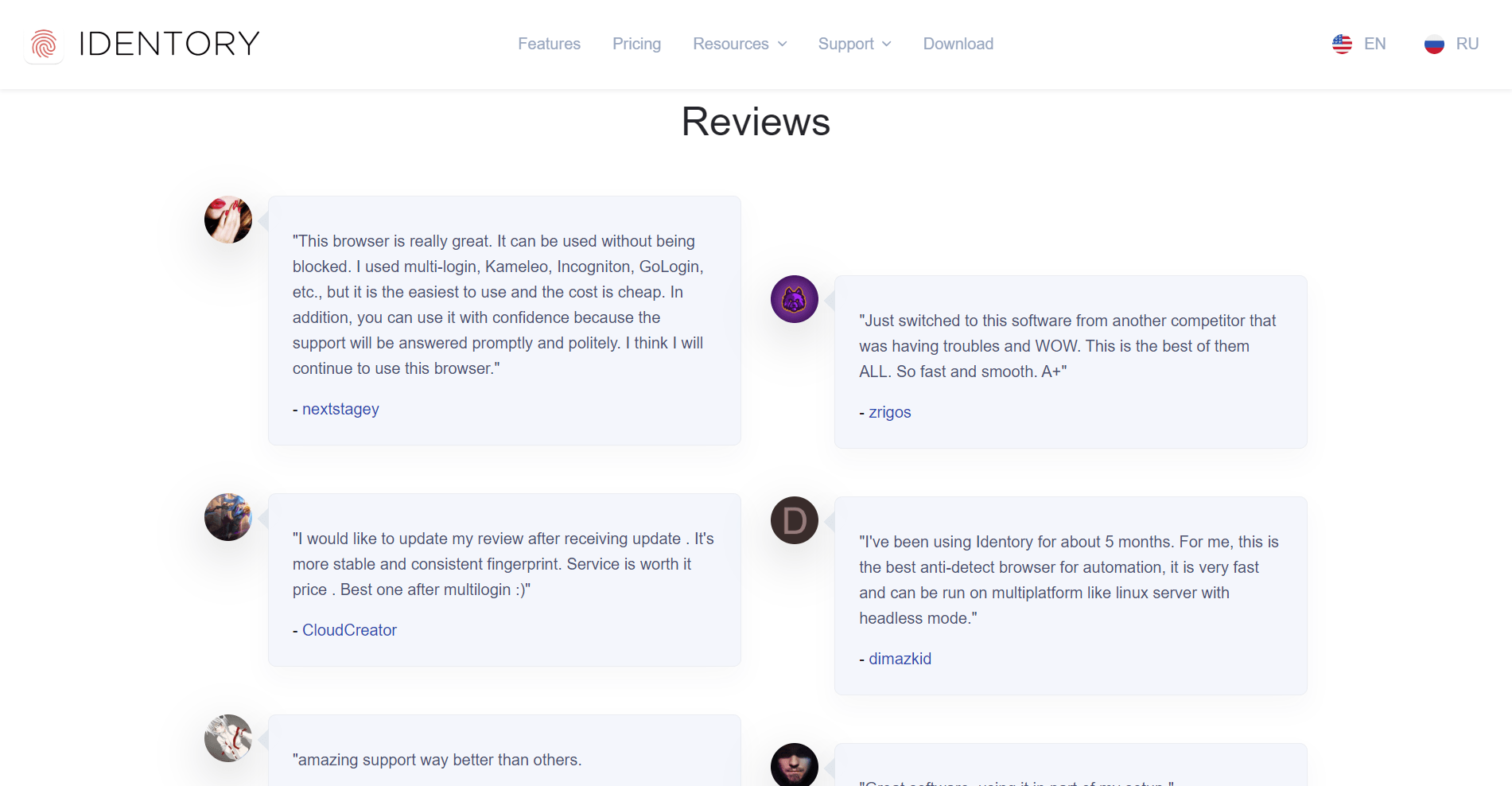
In stark contrast, Identory remains virtually invisible in terms of reviews, without any verifiable user feedback available online. This lack of reviews for Identory raises legitimate questions about its market adoption, reliability, and performance.
While Identory may function adequately for basic needs, the absence of user testimonials makes it difficult to assess its effectiveness compared to Gologin’s well-documented track record of successfully serving diverse business requirements across various industries.
Pricing & Plans: Gologin vs. Identory
Update: Since this comparison was last written, Identory appears to have moved away from the one-time-purchase model described below and now runs on a monthly subscription — a significant enough shift that it changes much of this article’s core framing, not just the pricing numbers. We’re flagging this clearly rather than quietly patching the price, since several other sections (SaaS vs. local software, automation/API support, team features) may need a broader rewrite to stay accurate.

Gologin: Subscription-Based Flexibility
Gologin’s entry-level Professional plan now starts at $9/month (or $4.50/month billed annually), scaling up through Business ($119/month, 300 profiles), Enterprise ($299/month, 1,000 profiles), and Custom ($449/month, 2,000 profiles) — with a 7-day free trial and no credit card required to start.
Identory: Now a Subscription Model, Not a One-Time Purchase
Identory’s current pricing page shows three recurring monthly plans instead of a single upfront cost:

Base — $89/month: 1 seat, unlimited saved profiles, regular updates, support, and desktop/iPhone/iPad profile emulation.
Advanced — $119/month: everything in Base, plus Android profile emulation, a mass profile generator, a cookie warm-up bot, advanced start/stop scheduling, and one-time (disposable) profiles.
Premium — $149/month: everything in Advanced, plus a more advanced warm-up tool, a proxy list manager, saved presets, and API access — directly contradicting this article’s earlier claim that Identory offers no automation or API support at all.
There’s also a 10-day Starter plan for $49, giving full access to every Premium feature — not a free trial, but the first testing option Identory has offered that we’re aware of.
What this means for the comparison: Identory is no longer the lightweight, install-once, no-subscription alternative this article originally positioned it as. It’s now a recurring-cost product with mobile emulation and API access — features this article’s comparison table currently marks as Gologin-exclusive. We’d recommend re-testing Identory directly before publishing any updated verdict, since the gap between what’s documented here and what the pricing page now shows is too large to patch with a single paragraph.
Final Verdict: Which One Should You Choose?
Choose Gologin if you need:
- Scalability, security, and cloud syncing
- Advanced automation tools & API support
- Team collaboration for agencies
- Instant security updates for evolving anti-detection methods
Choose Identory if you want:
- A one-time purchase with no subscriptions
- A lightweight anti-detect browser for individual use
- Basic privacy protection without automation
Final Thoughts
For businesses, agencies, and professionals managing multiple accounts, we believe Gologin is the smarter investment due to its security, automation, and real-time updates.
| Feature | Gologin | Identory |
| Software Type | SaaS (Cloud-Based) | Local Software |
| Browser Engine | Chromium-based (Orbita) | Chromium |
| Multi-Account Management | ✅ Yes | ✅ Yes |
| Cloud Profile Syncing | ✅ Yes | ❌ No |
| Fingerprint Customization | ✅ Advanced (OS, GPU, RAM, WebRTC) | ❌ Basic |
| Automation & API Support | ✅ Yes (Selenium, Puppeteer) | ❌ No |
| Proxy Integration | ✅ Built-in proxy manager | ✅ Yes |
| Team Collaboration | ✅ Yes | ❌ No |
| Security Patches & Updates | ✅ Instant updates (SaaS) | ❌ Manual updates |
| Trial & Free Plan | ✅ 7-day free trial | ❌ No free trial |
| Pricing Model | Subscription-based ($24+/month) | One-time purchase |
If you’re looking for a basic, no-frills multi-account tool, Identory is a decent budget-friendly option with limited long-term adaptability.
Read other posts about Reviews of browsers:
- Kameleo browser review
- Best virtual browser
- Multilogin chrome browser
- Adspower browser vs gologin
- Morelogin browser alternative
- Incogniton vs gologin
- Best proxy browser
- Browserjet review
- Roxybrowser review
- Gologin vs hidemium
- Xlogin review
- Insomniac browser review
- Swspybrowser review
- Yunlark review
- Loginways review
- Nstbrowser review
- Hydraheaders browser review
- Maskfog review
- Vision-browser review
- Ultimate orb review
- AntBrowser-browser-review
- Vmlogin browser review
- Gologin-vs-switch antidetect
- Antikbrowser review
- Camoufox review
- Geelark review
- Dicloak online browser
- Vmmask antidetect browser
- Hidemyacc browser review
- Rebrowser review
- Session-box-vs gologin
- Multibrowser-review
- Accovod-vs-gologin
- Xbrowser review
- Undetectable browser-vs-gologin
- Bitbrowser-review
- Fingerprintswitcher
- Aezakmi browser review
- Marketerbrowser review
- Genlogin browser review
- Linken-sphere review
- Indigo-browser
- Xpass browser alternative
- Wade browser review
- Surfinite review
- Lalicat-browser review
- Masq-antidetect review
- Octo-browser vs gologin
- Dolphin-anty vs gologin
- Mulogin review
- Aqum-browser review
- Lauth review
- Che browser vs gologin
- Logii review