
Hidemium Browser vs Gologin: Best alternative for managing multiple accounts?
Managing multiple online identities can be made easy with applications like Gologin and Hidemium, which provide essential tools for privacy-conscious users. However, not every anti-detect browser is the same.
So, whether you’re an affiliate marketer, social media manager, online shop owner, or someone who wants to upgrade their security online, choosing the right solution makes a significant difference.
Gologin and Hidemium, both seemingly robust anti-detect browsers, offer a plethora of options, deep customization, and advanced fingerprint management.
However, each has its unique features that set it apart. In this guide, we’ll delve into these distinctive aspects, helping you to identify which aligns better with your specific needs.
Disclaimer from Gologin team: Hidemium simply duplicates whole sections of Gologin’s website without any editing. This browser can hardly be considered trusted software.
Gologin vs. Hidemium – In-Depth Comparison
This guide compares Gologin’s and Hidemium’s supported devices, initial setup, ease of use, and prominent features. We’ll also check each anti-detect browser independently to report its pros and cons. Let’s get started!
Supported Platforms & Devices
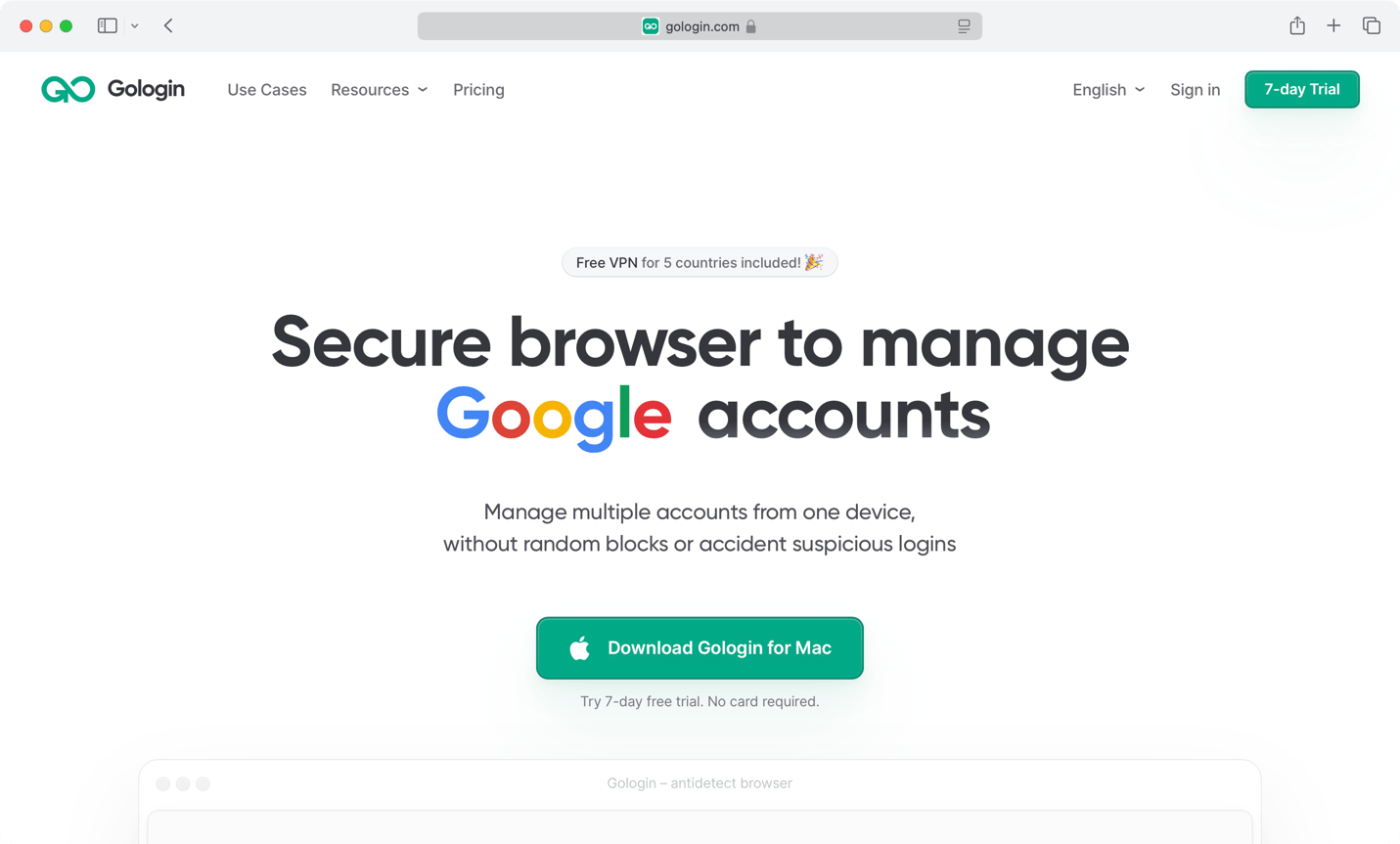
Gologin offers Windows, macOS, and Linux applications, covering older versions of those operating systems as well. That means you’re free to run Gologin even on some older devices, making it suitable for teams whose members rely on different platforms and operating systems.
On top of that, there’s an Android app, which is rare in the world of anti-detect browsers.
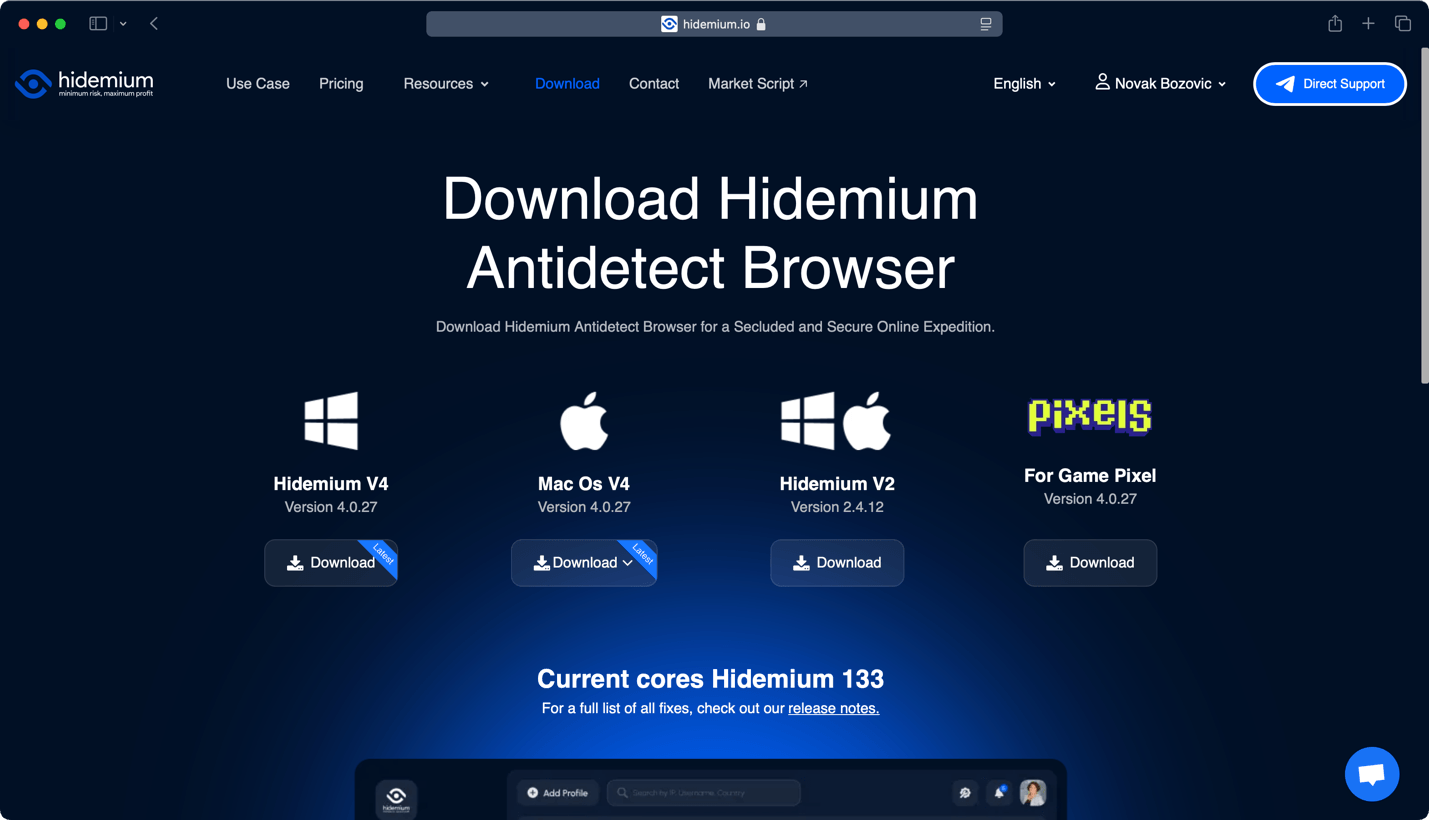
Hidemium works on Windows and macOS. Like its competitor, it’s under active development, so you can expect updates every few weeks. Also, there are apps for Intel- and Apple Silicon-based computers if you’re a Mac user.
That said, Linux and Android users are left out in this case, which isn’t a significant downside but could be an issue if your team relies on those platforms.
Registration and Initial Setup
It takes just a few minutes to become a Gologin user. Based on whether you wish to get its 7-day trial or become a paying customer from the get-go, you can sign up on its website or download its software. You’ll be ready to log in once you input your e-mail address, create a password, and verify your account.
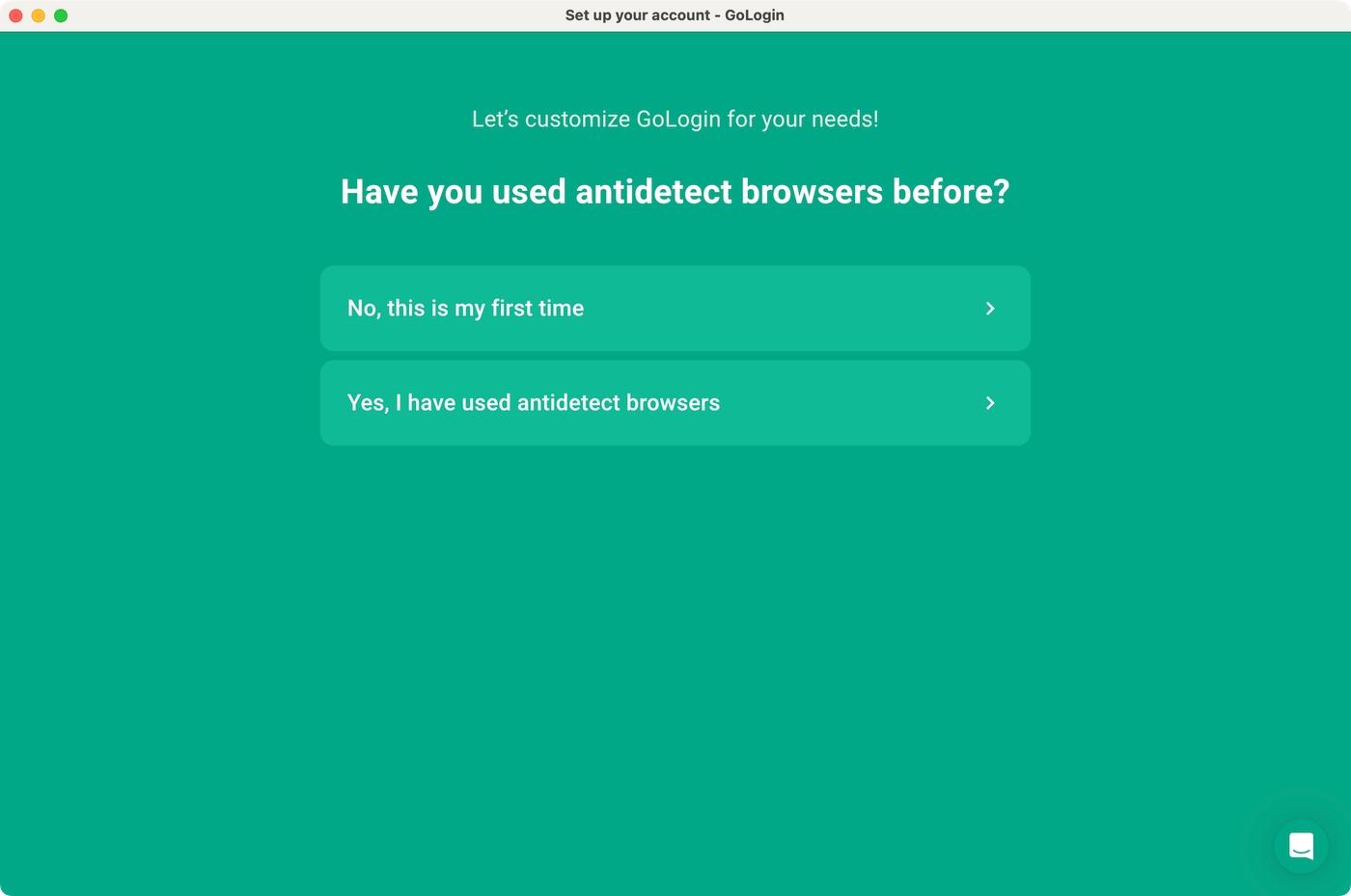
We have to note that Gologin has a streamlined onboarding procedure. Before reaching its home screen, the application will ask about your experience with anti-detect browsers and preferred use cases.
You’ll find a series of preloaded profiles based on your responses, allowing you to see Gologin in action without fine-tuning. However, adding a new profile is also extra-quick, which we’ll cover in the following segment.
Getting started with Hidemium is also easy. However, we must note that Hidemium’s website is clearly inspired by Gologin, following the same design principles, marketing messages, educational articles, and more.
This is one of the clearest examples of Gologin’s market-leading position, which prompts less popular services to copy the lead’s footprints.
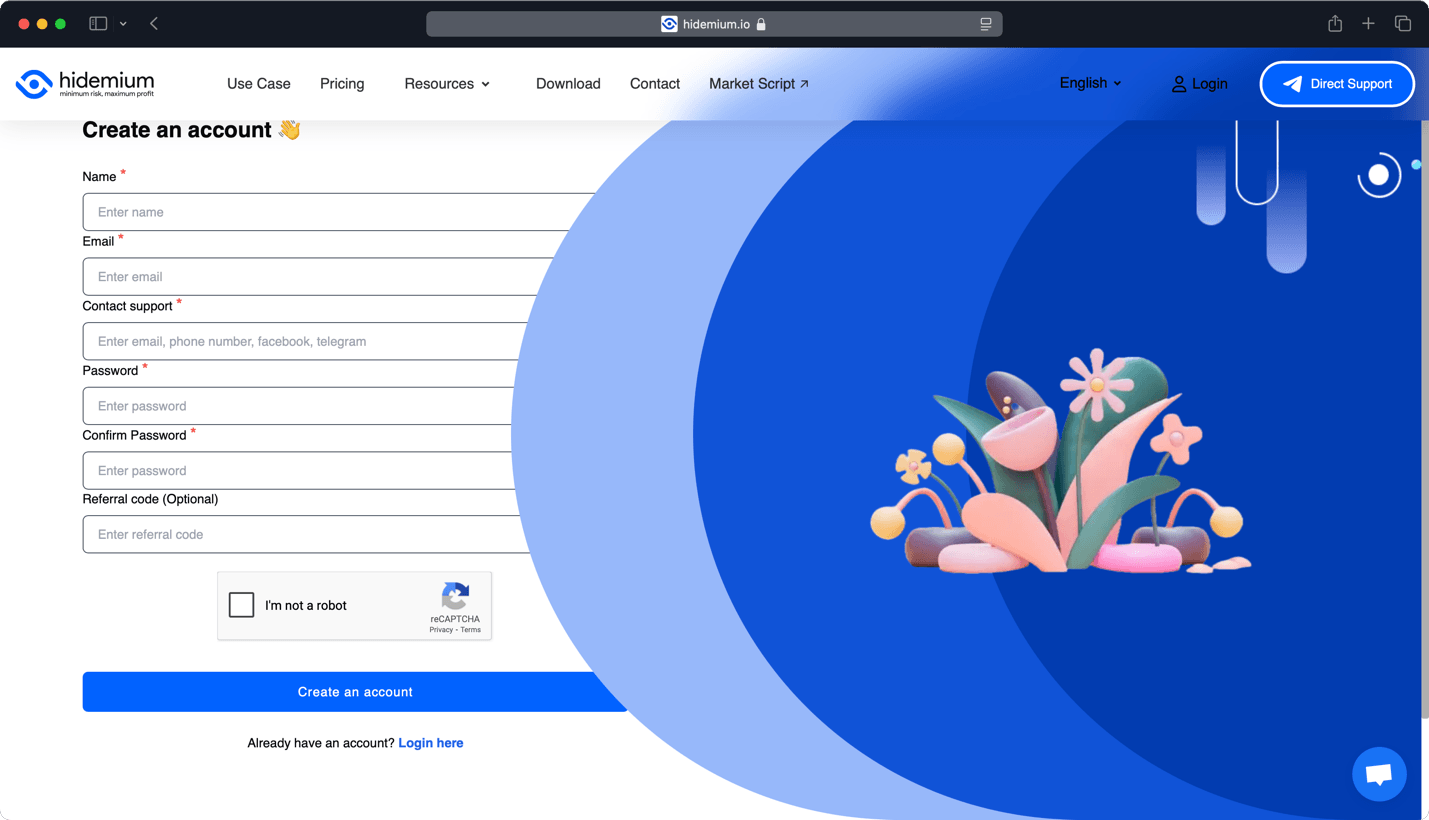
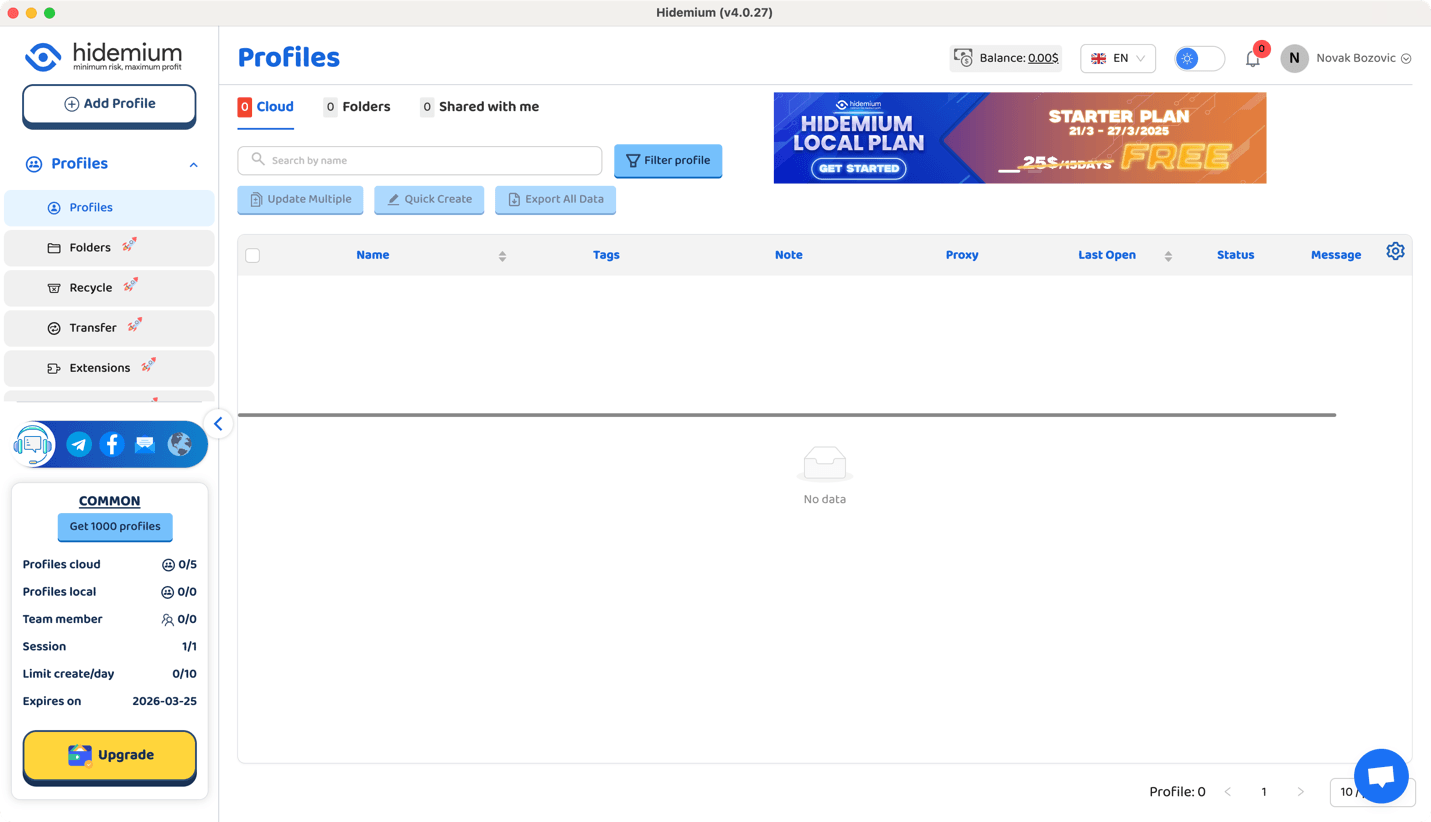
You’ll need to create a new Hidemium account, verify your e-mail address, and then proceed to download its software. To log in, copy a code from your e-mail inbox, so double-check your spam folder, as our experience showed us. Once you open the application, you’ll need to start adding new profiles manually.
Setting Up Custom Profiles
Gologin is a hugely user-friendly option that allows you to add profiles in multiple ways. The easiest one is to hit the “+” icon on the left, input a name for your profile, and pick a custom location. Gologin will do the rest, ensuring you have a unique fingerprint.
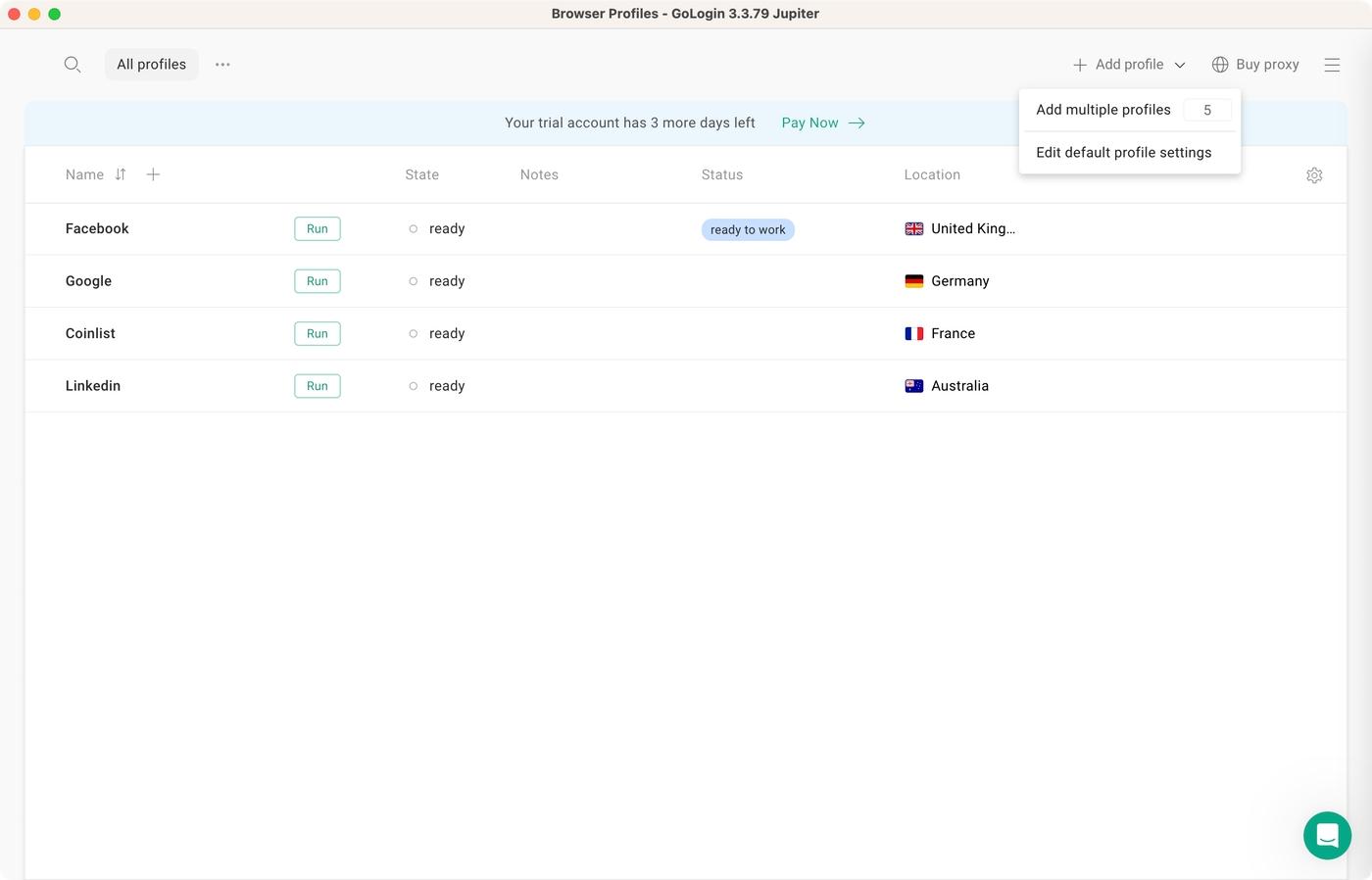
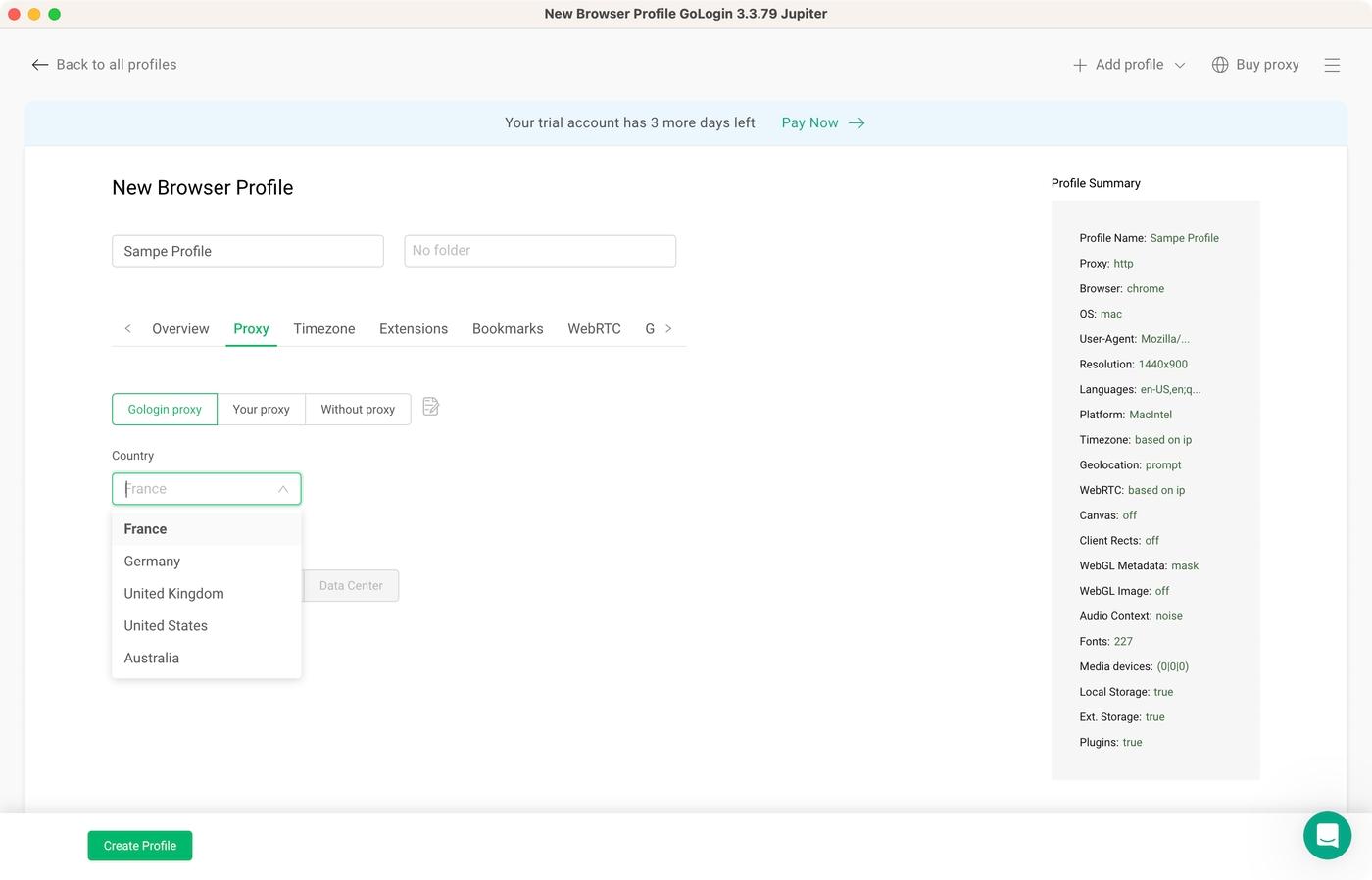
Of course, it’s also possible to fine-tune a profile. You can use the “Add Profile” option on the left to add a new profile from scratch or even create a batch of profiles. Then, you can customize over 50 fingerprint parameters.
That includes picking an operating system and custom time zone, setting up a proxy, choosing a language, and various other software and hardware specifications.
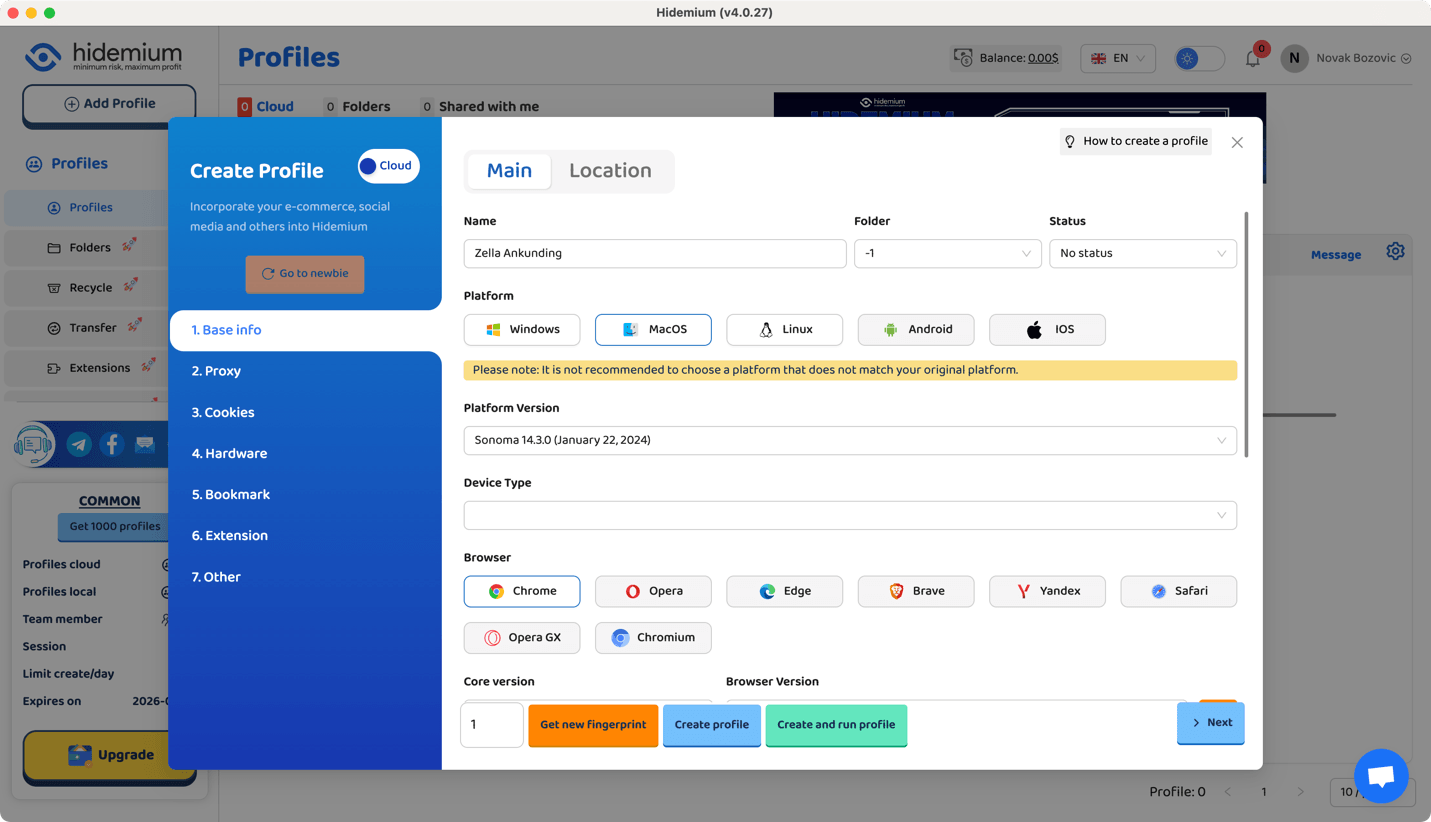
When it comes to Hidemium, you need to click “Add Profile” to get started. Then, you can choose from two interfaces—for inexperienced and experienced users.
Hidemium allows you to select a custom platform (Windows, macOS, Linux, Android, and iOS) and platform version, and you can choose to emulate Chrome, Opera, Edge, Brave, Yandex, Safari, Opera GX, or Chromium.
Next, you can input a proxy, import cookies manually, fine-tune various hardware specs, add extensions, and more. It’s also worth noting that Hidemium supports cloud-based and local storage, so you can decide which option you prefer.
Prominent Features
Now, let’s dive into the heart of our comparison: the most prominent features of Gologin and Hidemium. We’ll explore how they stack up in terms of fingerprinting, proxy integration, team collaboration, and more.
- Browser Fingerprint Management: Gologin and Hidemium are equally powerful in fingerprint management. Gologin relies on the Orbita browser core, complete isolation, and over 50 parameters you can adjust to create unique profiles, while its competitor matches that by being able to create unlimited profiles with fingerprints collected from real devices. Expect a high level of anonymity from both.
- Proxy Integration: Expect in-depth proxy integration support no matter your choice. Gologin and Hidemium offer their own proxies. You can also integrate a third-party proxy or choose not to re-route your Internet traffic. If you select a third-party proxy, you can expect support for any proxy type, including HTTP(S) and SOCKS5.
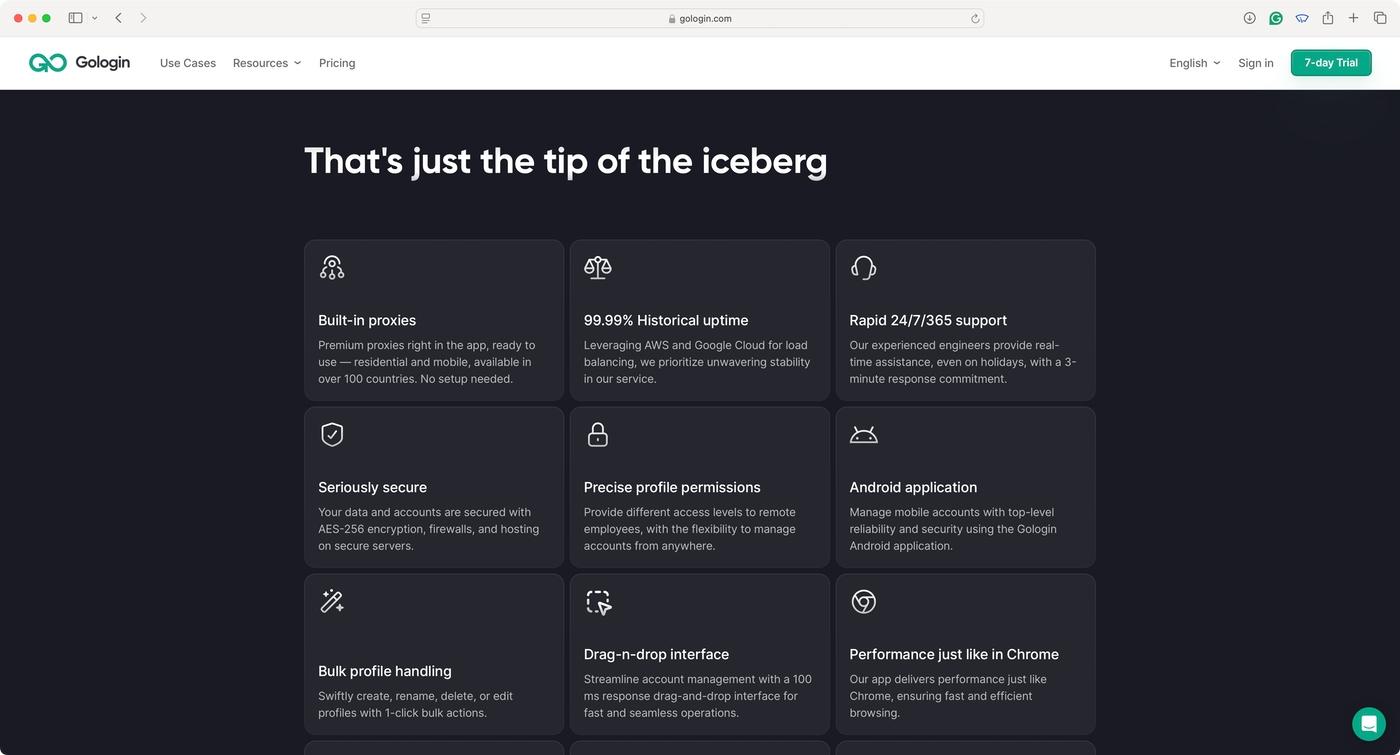
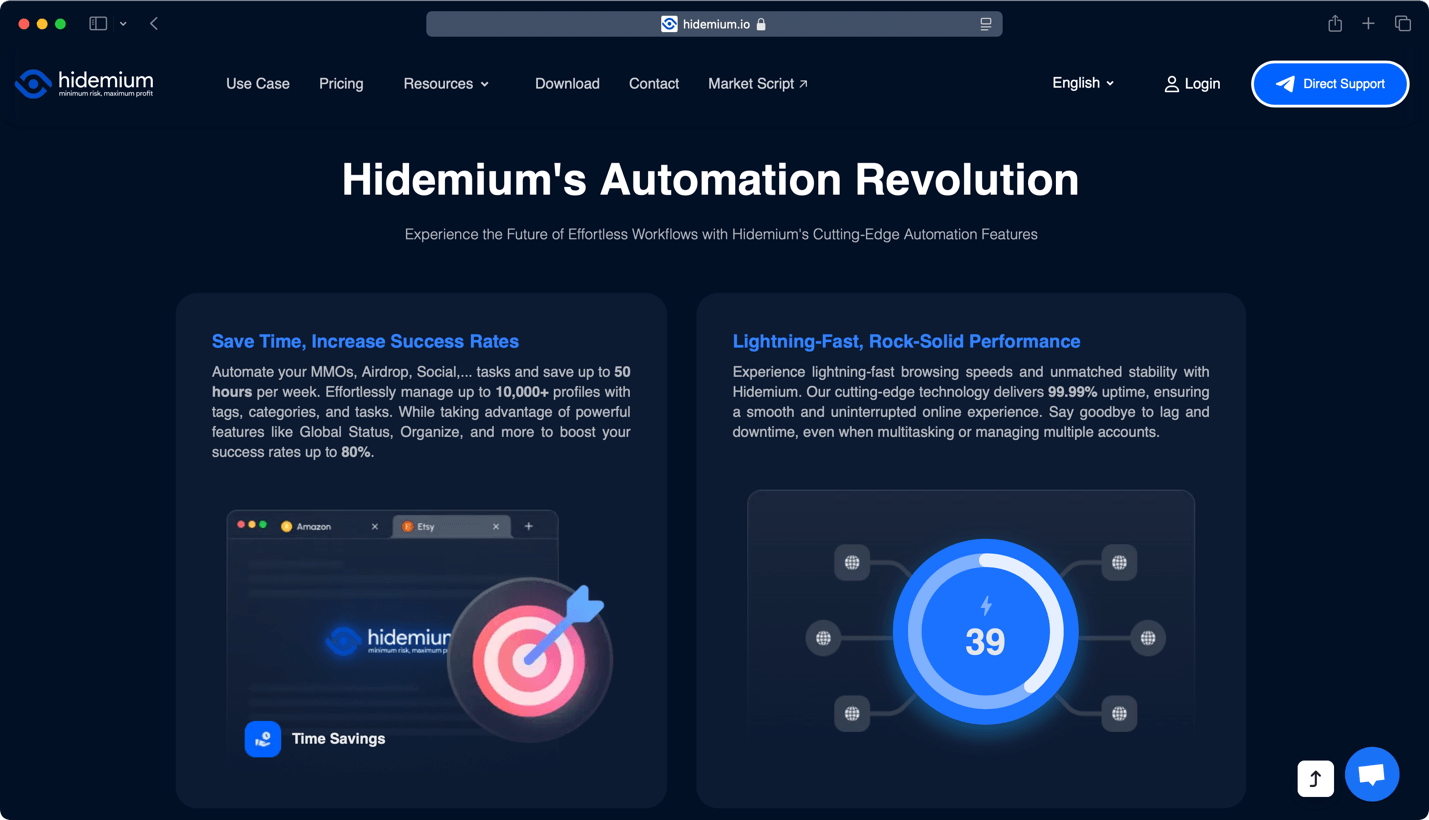
- Automation and API Support: While Gologin doesn’t offer no-code automation, it offers full API access and the ability to use tools like Puppeteer and Selenium. In other words, you can expect a high level of automation overall. Hidemium also has API development for customizing services but also offers no-code automation built upon a simple drag-and-drop system.
- Team Collaboration: Gologin uses a cloud-backed system to synchronize profiles and settings, making it highly suitable for teams. You can also expect in-depth profile organization and even role-based access. Hidemium also offers granular control over profiles regarding sharing and working in groups.
- User Experience: It’s not an understatement that Gologin can be used even by complete beginners. This anti-detect browser offers a highly polished interface, clearly labeled tools and functions, and in-depth documentation. Hidemium is also a very optimized app in terms of its UI, but it can sometimes be cluttered. It doesn’t have a steep learning curve, though.
- AI-Powered Automation: Since our last review, Hidemium has added built-in AI integrations starting at its Advanced tier, with Premium unlocking full access to Anthropic, OpenAI, and Gemini models directly inside the browser, likely aimed at AI-assisted profile management or content generation. Gologin doesn’t currently offer an equivalent built-in AI layer, though it does provide full API access for connecting your own automation stack, including any AI tooling you choose to wire up yourself.

Pros/Cons & Trustworthiness
Our comparison of Gologin and Hidemium wouldn’t be complete without a deep dive into their individual pros and cons. In this segment, we’ll also investigate their online reputation, providing you with a well-rounded view of each browser.
|
Gologin |
|
|
Pros |
Cons |
| Advanced Fingerprinting: Thanks to in-depth customization, you can create a huge list of unique user profiles. | No iOS Support: There’s no iOS app due to Apple’s firm stance of not allowing anti-detect browsers on the App Store. |
| Cloud Storage: Cloud syncing allows you to access Gologin from multiple devices without losing any of your data. | Heavy Cloud Reliance: Gologin relies on cloud syncing at its core, while some might prefer a local solution instead. |
| Team Collaboration: Gologin is built for team collaboration from the ground up, making it easy to share access. | Missing No-Code Automation: Even though automation is possible, it requires the use of Gologin’s API. |
| Cross-Platform Solution: You get Windows, macOS, and Linux application. Even Android is on board. | |
| Powerful Automation: Thanks to API access, it’s possible to do automation using third-party tools. | |
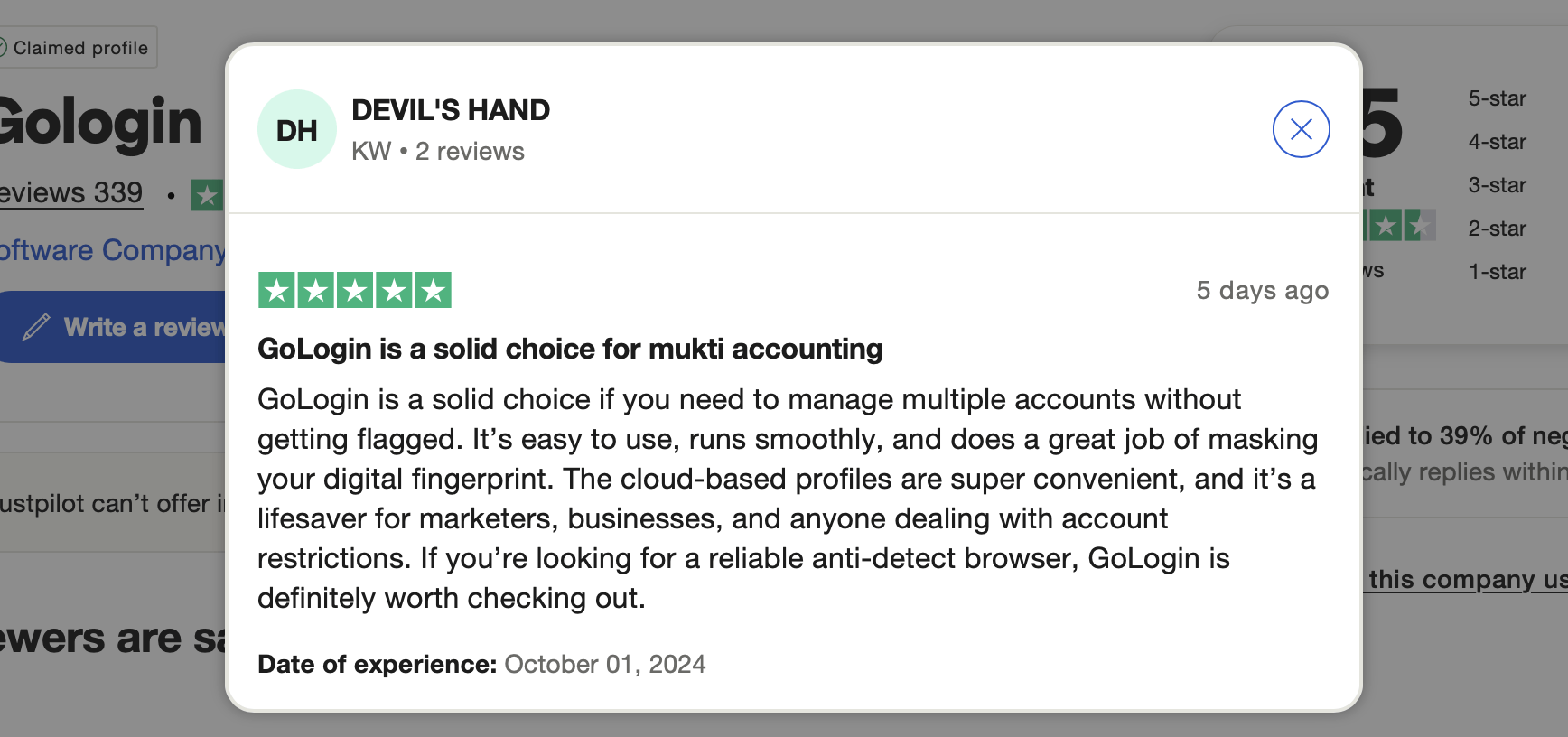
Gologin scores 4.5/5.0 on Trustpilot, making it easy to see that it comes from a trustworthy developer. On G2, it scores even better: 4.8/5.0 based on around 70 reviews. In other words, getting a Gologin subscription is risk-free, as you can count on the steady development of new features, high-quality support, and more.
Now, here are the most prominent pros and cons of Hidemium.
Pros/Cons Hidemium
| Hidemium | Hidemium |
|---|---|
| Pros | Cons |
| Extensive Fingerprint Database: You can choose from a large number of fingerprints and individual parameters. | Learning Curve: Taking full advantage of this browser requires technical knowledge and plenty of manual labor. |
| Advanced Security: Hidemium uses advanced security measures to ensure your actual data never leaks online. | No Mobile Apps: Hidemium works on Windows and macOS, and it doesn’t provide mobile apps. |
| Team Collaboration: You get built-in features for team collaboration, including cloud syncing and profile sharing. | Performance Bottlenecks: Running many browsing instances could lead to a performance bottleneck. |
| No-Code Automation: You can automate Hidemium without writing a single line of code or accessing its API. | Still Under Development: Some features, like the API, are still under development and might not work as expected. |
| Free Tier Available: There’s a genuinely free tier (5 profiles, no time limit) to test Hidemium’s basic features. | Follows GoLogin’s Lead: Hidemium’s site is close to identical to GoLogin’s, cloning its design and content even. |
| Built-In AI Integration: Advanced and Premium plans now bundle direct access to Anthropic, OpenAI, and Gemini models inside the browser — a feature Gologin doesn’t offer natively. | Hidden Add-On Costs: Team seats ($5/mo each), extra devices ($3/mo each), and proxy traffic (~$3/GB) are all billed separately from the base plan — real-world cost can run ~30% above the advertised price for a small team. |
| Daily, Not Total, Profile Limits: Profile allowances are capped per day rather than as a flat total, which wasn’t clear from the pricing page alone and is easy to misjudge when comparing plans. |
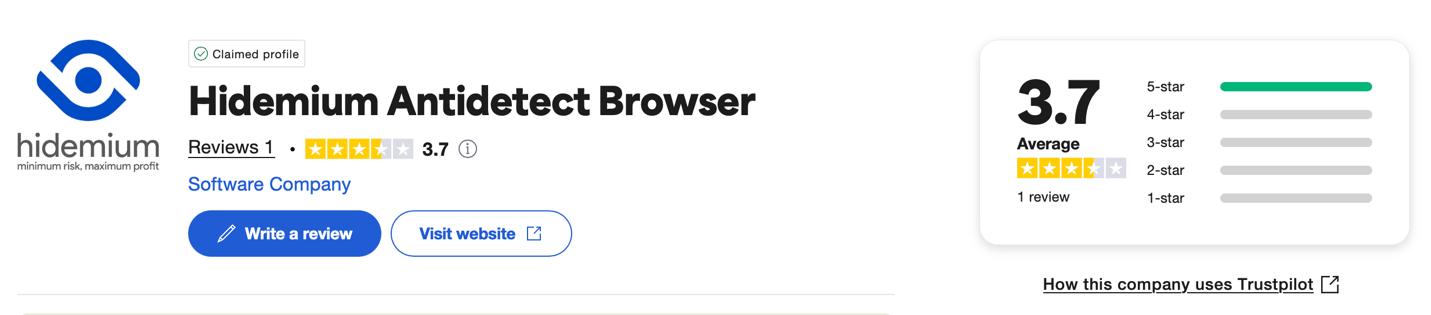
Hidemium has a score of 3.7/5.0 on Trustpilot and only one review on G2. That tells us that Hidemium’s developer isn’t doing a good job maintaining its online reputation. Also, since its website is a clone of Gologin’s website, it’s obvious that Hidemium uses questionable marketing techniques, which makes it far from a trustworthy option.
Pricing and Plans
Gologin offers an unrestricted 7-day trial, with no payment information needed. If you decide to sign up, its entry-level Professional plan now costs $9/month (or $4.50/month billed annually) for 100 profiles, scaling up through Business ($119/month, 300 profiles), Enterprise ($299/month, 1,000 profiles), and Custom ($449/month, 2,000 profiles). Every tier includes 2GB of resident proxy bandwidth and the Android app, with no extra per-device or per-seat surcharges layered on top.
There’s also a 14-day money-back guarantee, so no risks are involved.

Hidemium still has a free tier with no time restriction — now confirmed at up to 5 profiles — allowing you to test its essential features before paying. Its paid tiers have been restructured since our last check: Basic ($15/month, 30 profiles/day, 1 seat, 1 device), Advanced ($20/month, higher daily limits plus AI integrations), Premium ($70/month, 1,000 profiles/day, 10 seats, full access to Anthropic, OpenAI, and Gemini), and Business ($420/month, up to 26,000 profiles/day) — up from $400 for roughly half the daily capacity previously offered.

One thing worth flagging clearly: those headline prices don’t include everything. Extra team seats cost $5/month each, extra devices $3/month each, and proxy traffic runs about $3/GB — all billed on top of the base subscription. For a small team spread across a couple of devices with moderate proxy use, the real monthly cost can run around 30% higher than the plan price suggests. Paying yearly can still save you money on the base subscription (up to 15%, per Hidemium’s own figures), but it’s worth running the full math with add-ons included before comparing it directly to Gologin’s all-inclusive pricing. Refunds are still issued on a per-case basis only.
Final Verdict
Gologin and Hidemium both promise high-end features, but as we’ve seen, they approach multi-accounting and browser fingerprinting a bit differently. So, before we wrap up, let’s do one final comparison.
| Comparison Criterium | Gologin | Hidemium |
| Reliability | ✅ | ✅ |
| Security | ✅ | ❌ |
| Features set | ✅ | ✅ |
| Comfort of use | ✅ | ❌ |
| Beginner-friendly | ✅ | ❌ |
| Support quality | ✅ | ❌ |
| Quick profile creation | ✅ | ✅ |
| Country of origin | 🇺🇸 | 🇻🇳 |
| Frequent updates | ✅ | ✅ |
| Free plan/ trial | ✅ | ✅ |
| Free in-app proxies | ✅ | ✅ |
| Desktop apps | ✅ | ✅ |
| Mobile apps | ✅ | ❌ |
| No-code automation | ❌ | ✅ |
As seen in this comparison, Hidemium offers interesting features. However, there are major red flags regarding its online reputation and trustworthiness. As noted earlier, Hidemium’s site clones Gologin’s website in most aspects, which is not a path a reliable anti-detect browser would take. So, you should definitely proceed with caution.
That said, it’s evident that Gologin stands out as a more established and feature-rich option. It is widely adopted, comes from a highly trustworthy developer, and offers easy scalability, making it suitable for more use cases and a wider range of users.
Read other posts about Reviews of browsers:
- Kameleo browser review
- Best virtual browser
- Multilogin chrome browser
- Adspower browser vs gologin
- Morelogin browser alternative
- Incogniton vs gologin
- Best proxy browser
- Browserjet review
- Roxybrowser review
- Gologin vs hidemium
- Xlogin review
- Insomniac browser review
- Swspybrowser review
- Yunlark review
- Loginways review
- Nstbrowser review
- Hydraheaders browser review
- Gologin-vs-maskfog review
- Vision-browser review
- Ultimate orb review
- AntBrowser-browser-review
- Vmlogin browser review
- Gologin-vs-identory
- Gologin-vs-switch antidetect
- Antikbrowser review
- Camoufox review
- Geelark review
- Dicloak online browser
- Vmmask antidetect browser
- Hidemyacc browser review
- Rebrowser review
- Session-box-vs gologin
- Multibrowser-review
- Accovod-vs-gologin
- Xbrowser review
- Undetectable browser-vs-gologin
- Bitbrowser-review
- Fingerprintswitcher
- Aezakmi browser review
- Marketerbrowser review
- Genlogin browser review
- Linken-sphere review
- Indigo-browser
- Xpass browser alternative
- Wade browser review
- Surfinite review
- Lalicat-browser review
- Masq-antidetect review
- Octo-browser vs gologin
- Dolphin-anty vs gologin
- Mulogin review
- Aqum-browser review
- Lauth review
- Che browser vs gologin
- Logii review